DIVEVOLK or SeaLife SportDiver? After 1,500 dives, more than ten underwater cameras and liveaboard weeks spent next to divers shooting both, my answer is the DIVEVOLK SeaTouch 4 Max Platinum V2, and it is not close. The DIVEVOLK gives you your phone’s real touchscreen and every app at depth inside an aluminium housing rated to 60 metres, and its tray system fits any phone you will ever own. The SeaLife SportDiver Ultra counters with a lighter-feeling polycarbonate shell, a built-in leak alarm with a vacuum check, and physical buttons that work in gloves — but it locks you into SeaLife’s own Bluetooth app. If you dive warm water and care about your photos, buy the DIVEVOLK. If you dive cold water in thick gloves or will not sleep without a leak alarm, the SeaLife is the safer, simpler choice.

Why trust this comparison
I dive the DIVEVOLK Platinum myself — 30 dives on the original in Raja Ampat and Komodo, and the Platinum V2 since — with a Xiaomi 17 Ultra inside it, and it is now the only camera I take on a dive trip. I have not owned a SeaLife SportDiver, but I spent nine days on a Raja Ampat liveaboard where several guests were shooting them, compared results on the dive deck every evening and heard the same complaint about the app more than once. The SeaLife figures below are the manufacturer’s published specifications, as at October 2026. My full DIVEVOLK review covers every accessory in detail.
DIVEVOLK vs SeaLife SportDiver: side by side
| Feature | DIVEVOLK SeaTouch 4 Max Platinum V2 | SeaLife SportDiver Ultra | Winner |
|---|---|---|---|
| Price (Oct 2026) | USD 499 (USD 479 at Bluewater Photo) | USD 349 | SeaLife |
| Body | CNC-machined aluminium alloy | Polycarbonate with stainless steel and anodised aluminium parts | DIVEVOLK |
| Weight in air | 748 g (DIVEVOLK figure) | 808 g with batteries, red filter and moisture absorber (SeaLife figure) | Even |
| Depth rating | 60 m (touchscreen to 40 m) | 40 m | DIVEVOLK |
| Control | Full native touchscreen through a gel membrane, any app | Physical buttons and levers via Bluetooth LE 5 and the SportDiver app | DIVEVOLK |
| Leak protection | None — O-ring and visual check | Dual leak alarms: moisture sensor plus vacuum pressure alarm | SeaLife |
| Phone compatibility | Any phone up to 180 × 82.5 × 11.2 mm via a model-specific tray | Most iPhones and large Android phones up to about 183 × 80 × 12.4 mm; check SeaLife’s compatibility chart | DIVEVOLK |
| Upgrading your phone | Print a new tray for about USD 15, keep the housing | Fits as long as the new phone stays within the size limits and app support | DIVEVOLK |
| Batteries | None needed | 2 × AAA, about 50 hours | DIVEVOLK |
| Gloves and cold water | Works in 3–5 mm neoprene; not with dry gloves | Buttons work in any glove | SeaLife |
| Lens mount | Built-in M67 ring, dual 1/4-inch threads, cold-shoe, M6 | Optional adapter for SeaLife wide-angle and macro lenses | DIVEVOLK |
| Third-party apps (UWACAM) | Yes — the touchscreen runs anything | No — SportDiver app only | DIVEVOLK |
| Phone retention | Model-specific tray — the phone cannot move | Small pegs — the phone can shift during a dive | DIVEVOLK |
Touchscreen vs buttons: the decision that decides everything
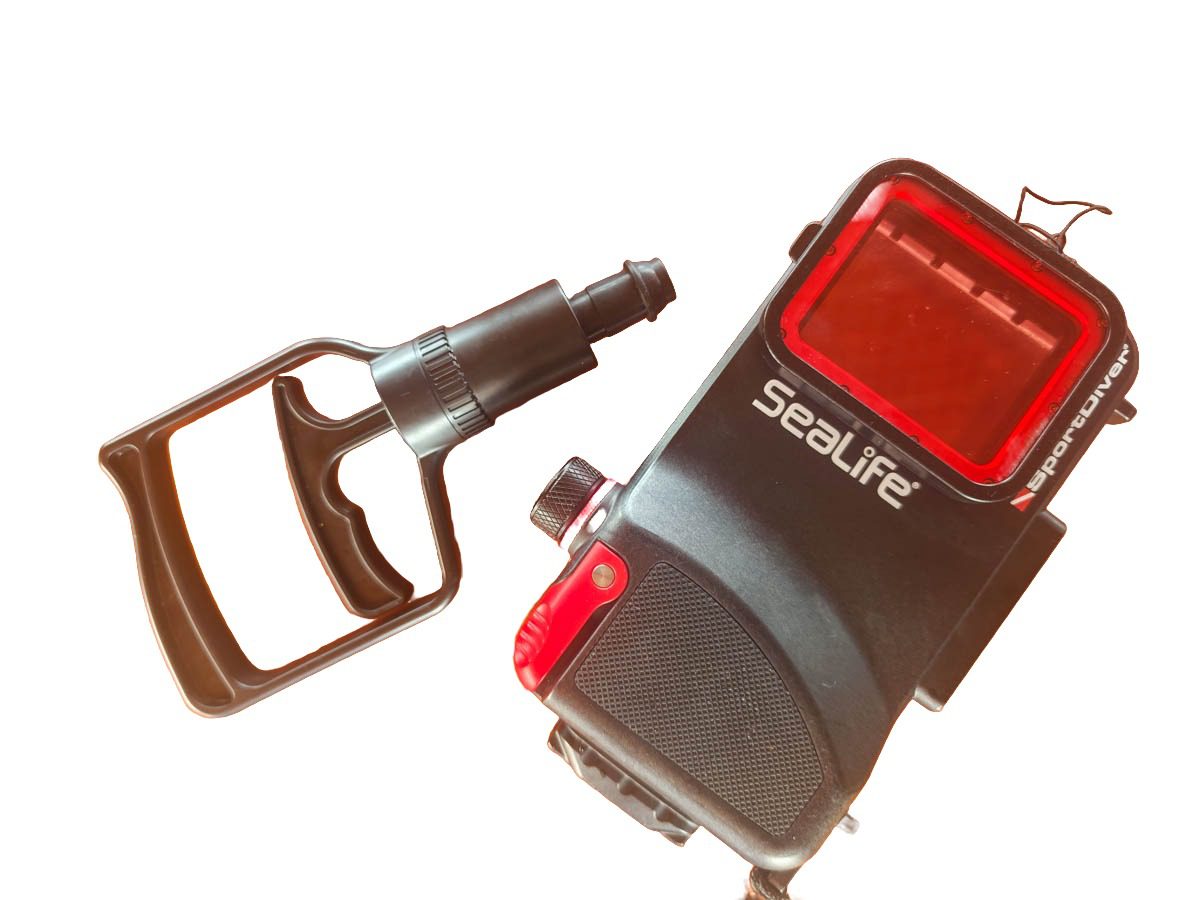
The SeaLife SportDiver Ultra connects to your phone over Bluetooth and drives it through SeaLife’s own app, with a shutter lever, a playback button, focus and zoom controls on the housing. The app is free with no in-app purchases, and it exposes a decent set of controls: shutter, zoom, exposure, focus, RAW on supported phones, lens selection. But it exposes only what SeaLife built in, and the divers I spent nine days with in Raja Ampat felt that constraint on every dive: certain exposure settings were missing, some camera modes were unavailable, and they could not run anything but the SportDiver app. If you like to use manual mode and set shutter speed or exposure yourself, this is impossible to do with the Sealife. It is also impossible to tell your phone where you want the focus to be.
There is a nastier failure mode too. Because the housing only talks to the SportDiver app, anything that pushes that app into the background during a dive — an incoming call, a notification, another app opening on top — leaves you with no way to get back to it until you surface. The buttons cannot switch apps, and you cannot touch the screen, so the rest of that dive is lost for photography. If you do dive a SeaLife, put the phone in airplane mode before you close the housing, so no call or message can reach it until the dive is over.
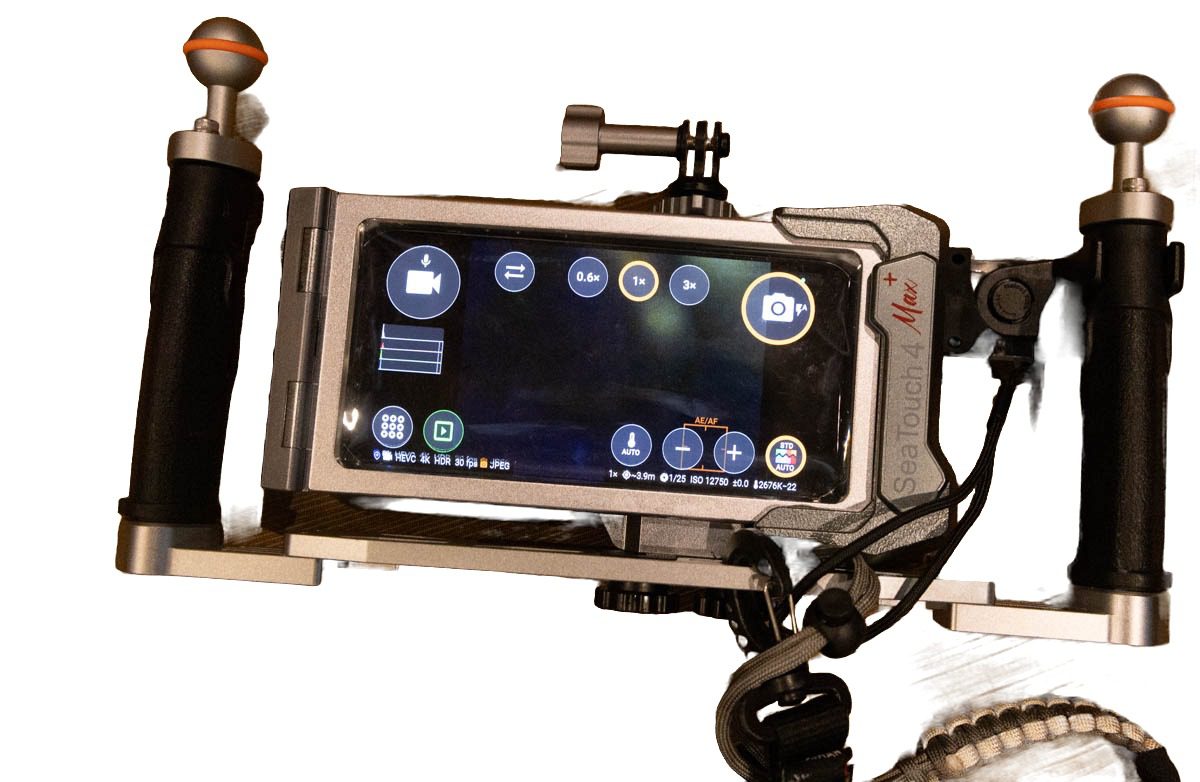
The DIVEVOLK Platinum presses a gel-filled membrane against your phone’s real screen, so a touch underwater is a normal touch. On my Xiaomi I open the stock camera in Pro mode, switch to UWACAM, tap a crocodilefish to focus, change ISO, review the frame and start a 4K video with the same gestures I use on land. There is no pairing, no companion app and no list of supported phones to check. Once you have shot that way, a button housing feels like driving with the handbrake on.

UWACAM: the app that widens the gap
UWACAM is a third-party underwater camera app that corrects colour live on screen while you shoot, so you see the final colours before you press the shutter instead of imagining what editing will rescue. It is, in my opinion, a game changer for phone diving photography, and it only works inside a housing that gives you the phone’s own screen. On a DIVEVOLK you simply open it. On a SeaLife you cannot, because the SportDiver app is the only thing the housing will talk to. UWACAM also puts a compass on screen, which is more useful underwater than it sounds: knowing where the sun is coming from tells you which direction to shoot for the best light. And it uses the phone’s GPS to tag each photo with its exact location, so you know afterwards exactly which site and which spot every shot came from. The code LUXURYTRAVEL gives new yearly subscribers 20% off.
Build, weight and sealing
The SeaLife is a polycarbonate housing with stainless and anodised-aluminium fittings; the DIVEVOLK Platinum is a solid block of CNC-machined aluminium. In the hand the SeaLife feels like a reinforced phone case and the DIVEVOLK like a camera housing — very strong and sturdy, and after liveaboard weeks of wet-deck handling mine shows no wear. On published figures the two are closer in weight than they feel: SeaLife quote 808 g for the SportDiver Ultra with batteries, red filter and moisture absorber fitted, and DIVEVOLK quote 748 g for the Platinum V2 in air, about 374 g underwater.
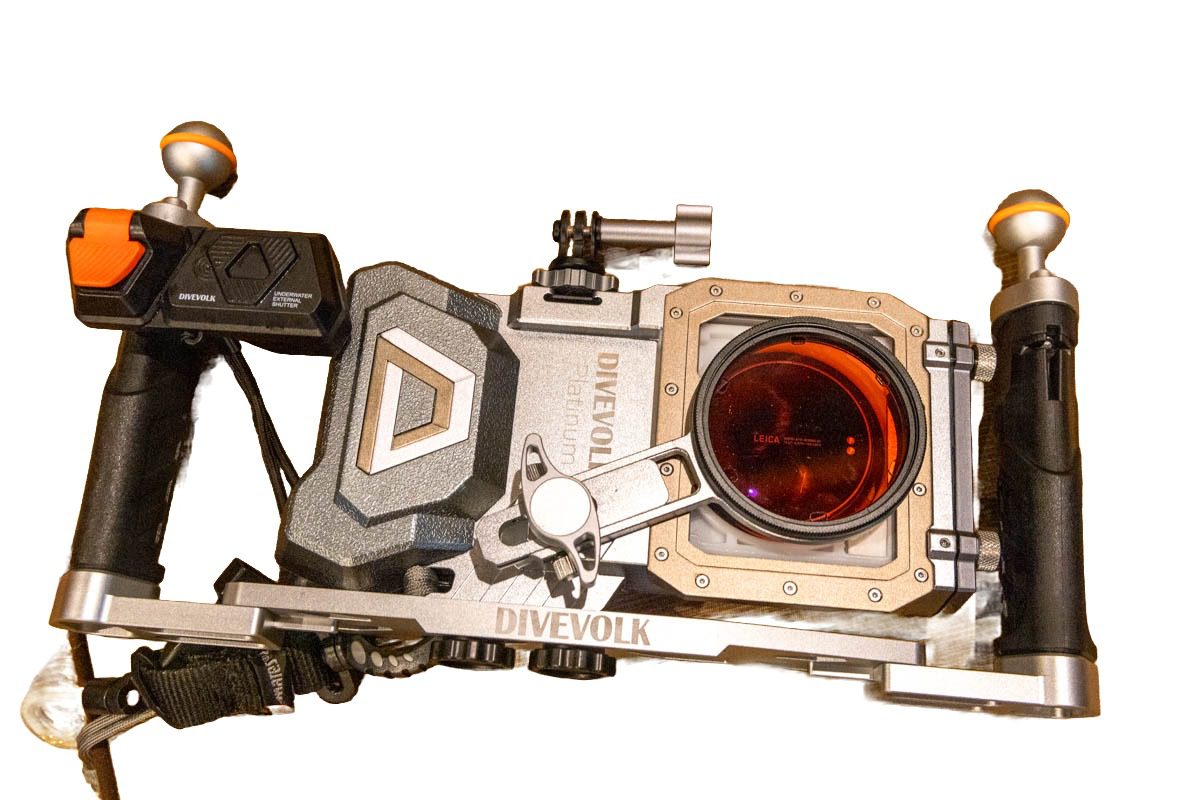
Opening and closing is where the DIVEVOLK wins on daily use: drop the phone in the tray, slide it in, close two locking wheels, done in about 30 seconds. The SeaLife uses a cam-lock latch and asks you to run its vacuum check before each dive, which is slower but gives you something the DIVEVOLK does not.
Leak alarm: SeaLife’s strongest argument
The SportDiver Ultra has dual leak protection: an internal moisture sensor and a vacuum pressure alarm, with an on-screen warning, an audible alert and a red LED if the seal is compromised. The DIVEVOLK has none of that — you inspect the O-ring, close the housing and trust it. In more than 30 dives on the original Platinum and further trips on the V2 I have never had a drop of water inside, and I say that as someone who has flooded two camera bodies in the past. But if you are putting a USD 1,200 phone in the water and the lack of an alarm will nag at you on every descent, that is a legitimate reason to choose the SeaLife.
Phone compatibility and future-proofing
SeaLife list the SportDiver Ultra as universal, fitting most iPhones and large Android flagships including Pro Max and Ultra models, as long as the phone sits inside the housing’s size limits and SeaLife’s app supports its camera. The DIVEVOLK goes further: the housing itself never changes, and a cheap model-specific tray holds whatever phone you own. When DIVEVOLK had no tray for my Xiaomi 17 Ultra they sent the 3D-print file and I had one printed locally for about USD 15. When you upgrade your phone in two years, you print another tray for about USD 15 and keep the USD 499 housing. That is a running cost SeaLife cannot match.
The tray matters for a second reason. In the SeaLife the phone is held in place by small pegs, and it can move inside the housing during a dive, which shifts the lens relative to the port. In the DIVEVOLK the tray is cut for your exact phone, so once it is in, it is held securely and cannot move.

Depth, gloves and cold water
The DIVEVOLK is rated to 60 m, with the touchscreen itself rated to 40 m; the SeaLife is rated to 40 m, and each housing is individually depth-tested. For recreational diving both are fine. Where the SeaLife pulls ahead is cold water: its buttons work in any glove, while the DIVEVOLK membrane needs a firm, bare-handed press and does not work with dry gloves at all (DIVEVOLK sell a finger-cot accessory for that). I dive the tropics bare-handed, which is the DIVEVOLK’s best case; a Scapa Flow regular would reasonably pick the SeaLife.
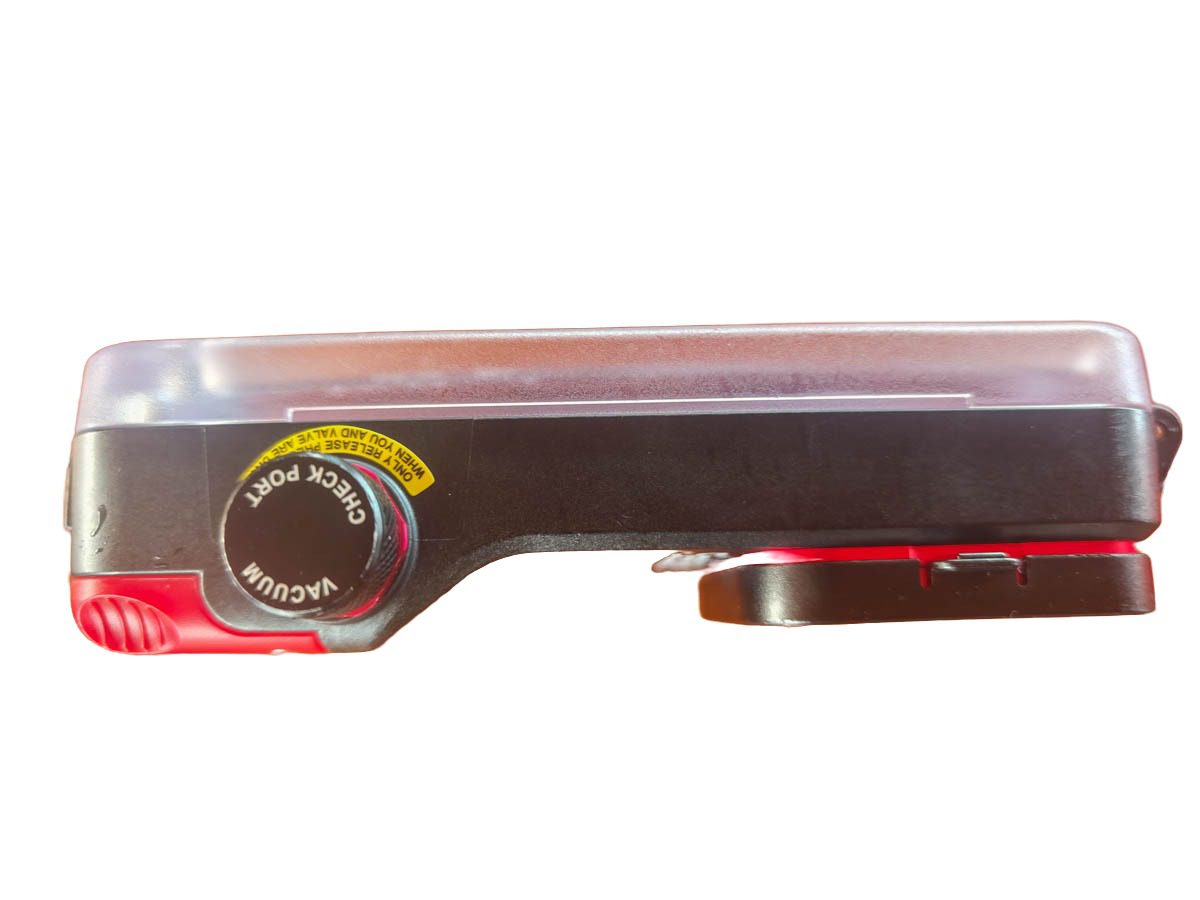
Image quality
Neither housing changes your sensor, so image quality comes down to the phone and the software. The SeaLife uses the phone’s native camera through its app; the DIVEVOLK lets you use the native camera, Pro mode and any third-party app. In practice the DIVEVOLK produced better frames for me for two reasons: UWACAM’s live colour correction, and the ability to tap a subject to focus. Both housings beat a GoPro or DJI action camera for stills by a wide margin, as my Xiaomi 17 Ultra vs GoPro comparison shows. Neither is a true macro tool; for pygmy seahorses an Olympus TG-7 remains better than either.
What the phone can actually do inside a DIVEVOLK
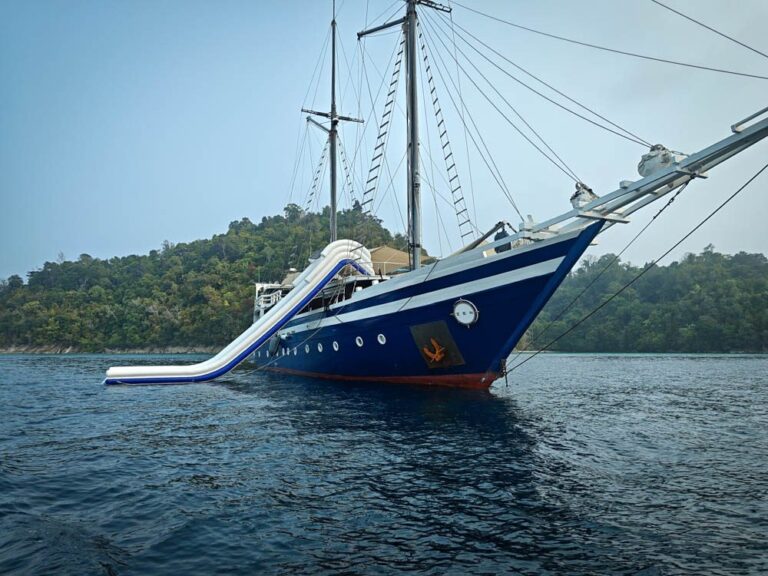
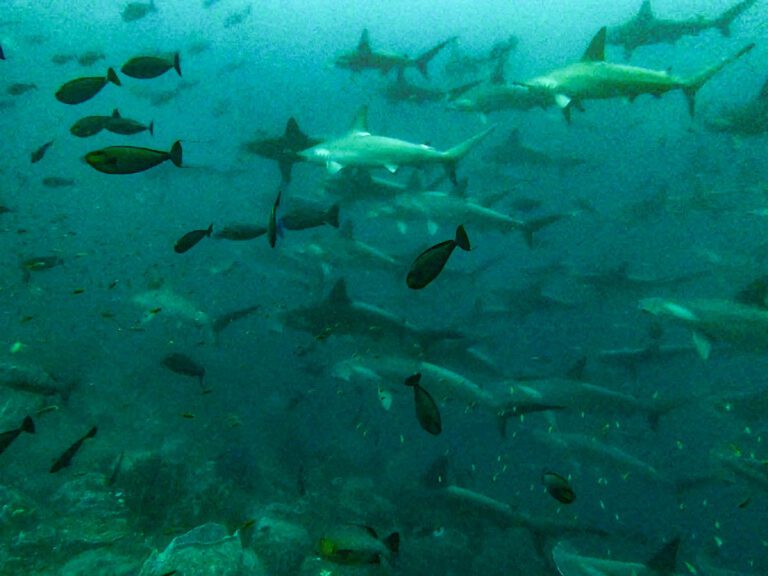
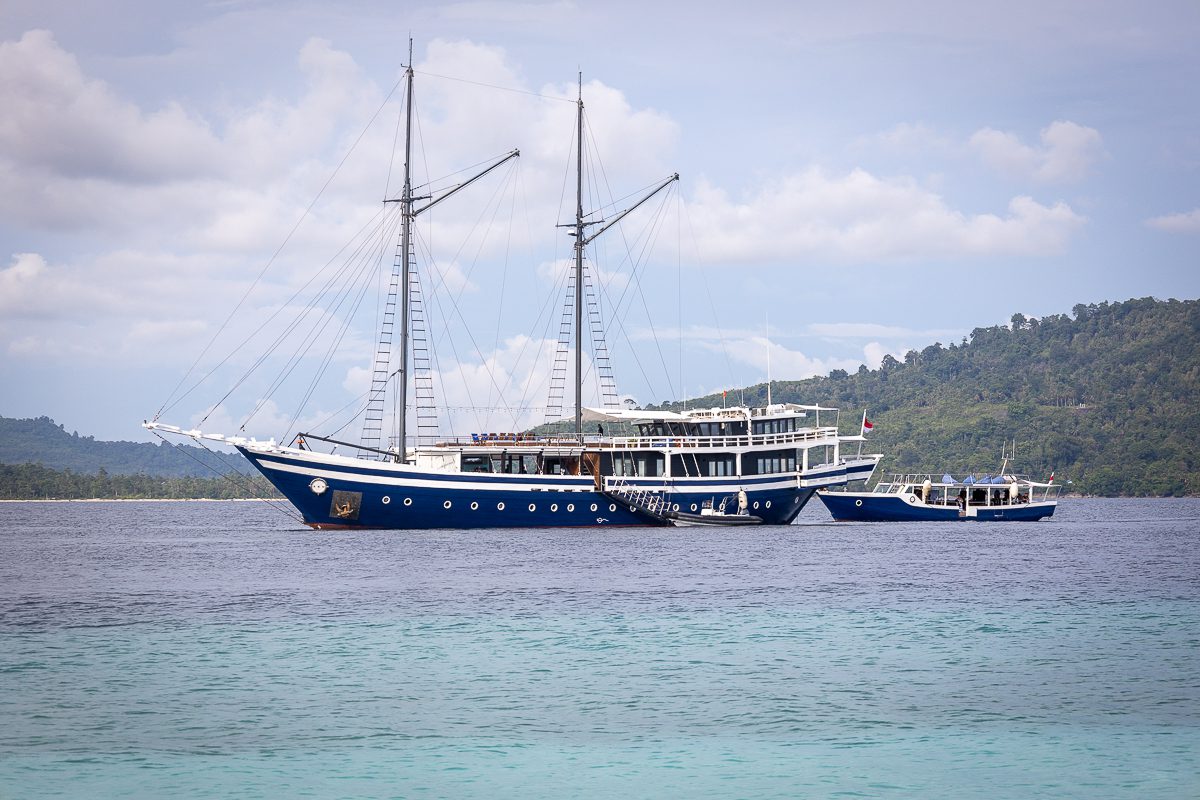
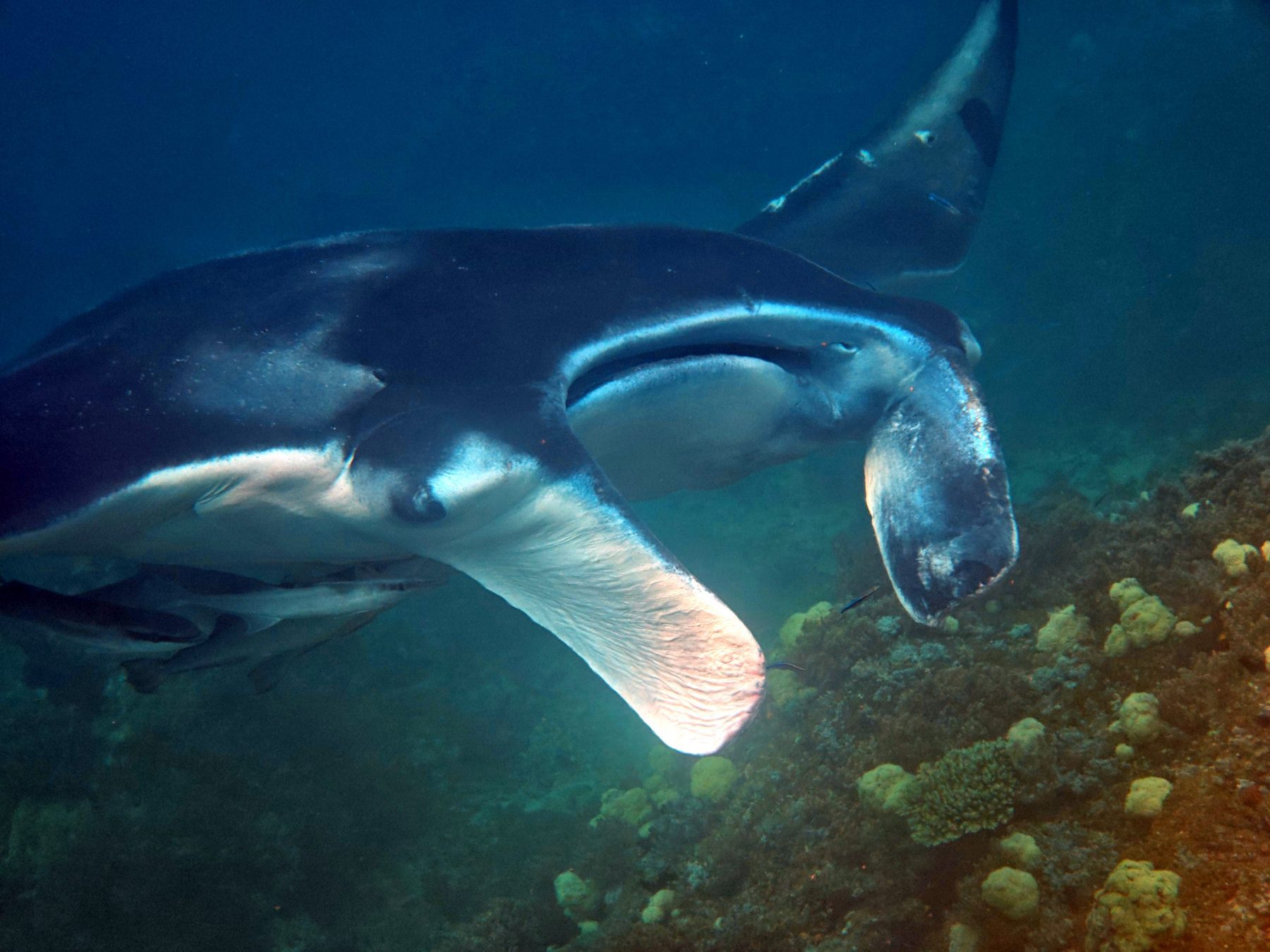
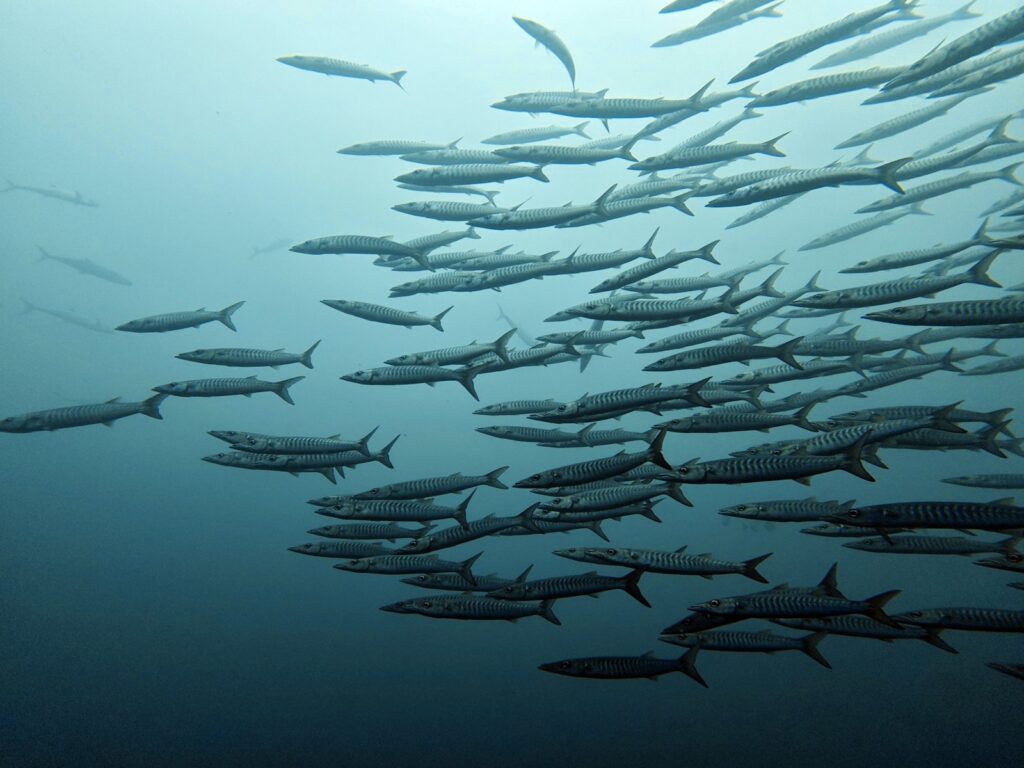
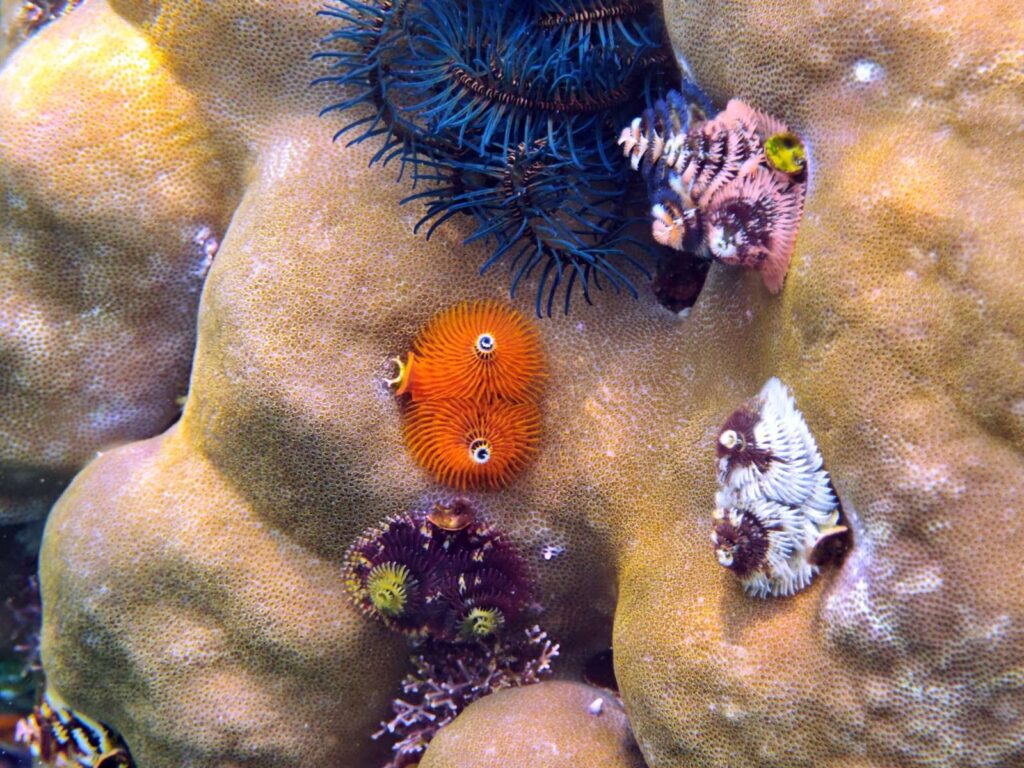
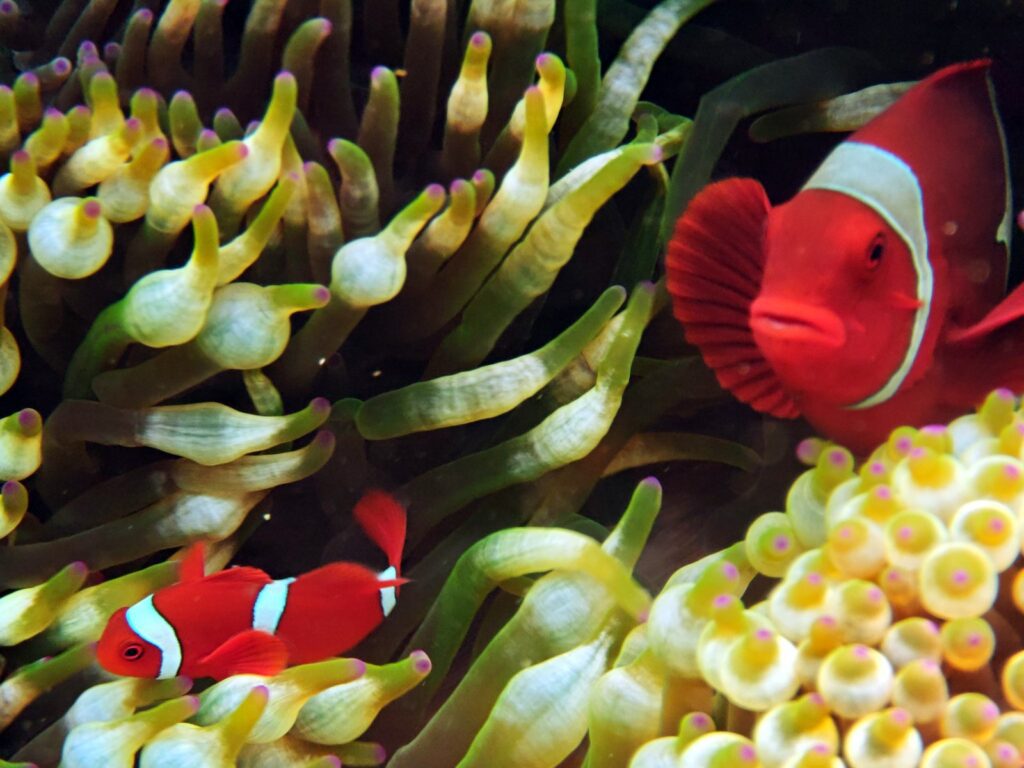
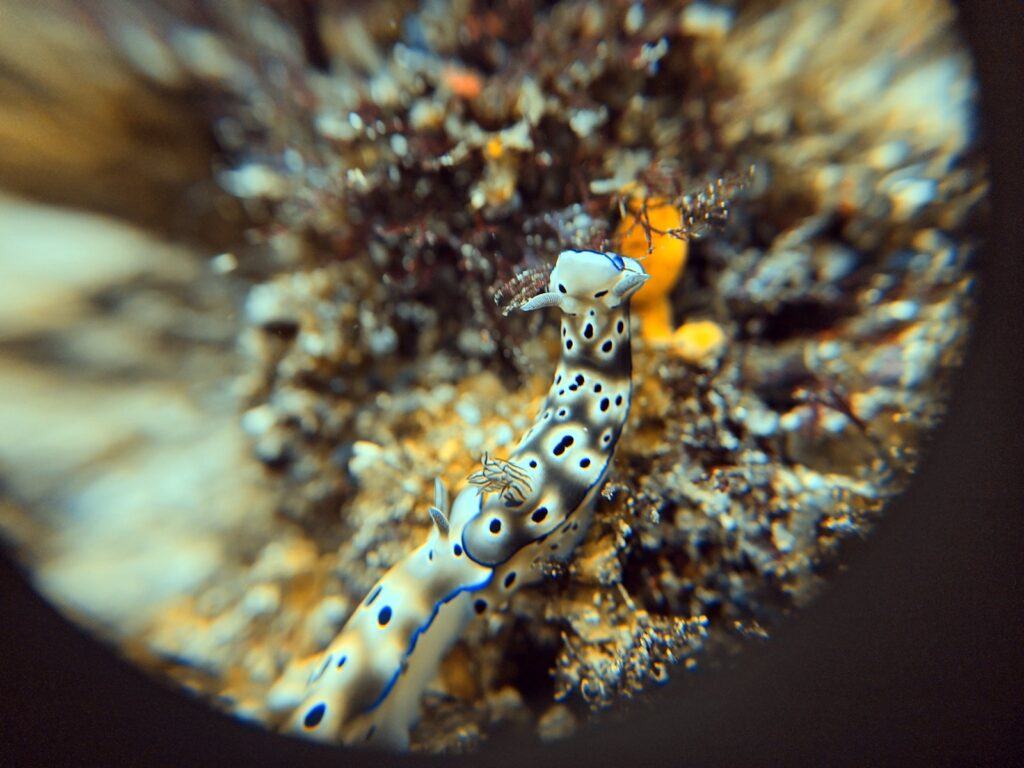
Five frames, all shot on my phone inside the DIVEVOLK, to show the range: wide-angle big animals and schools with the 0.6x wet lens, reef color with the red filter and UWACAM, and macro with the +8 close-up lens.
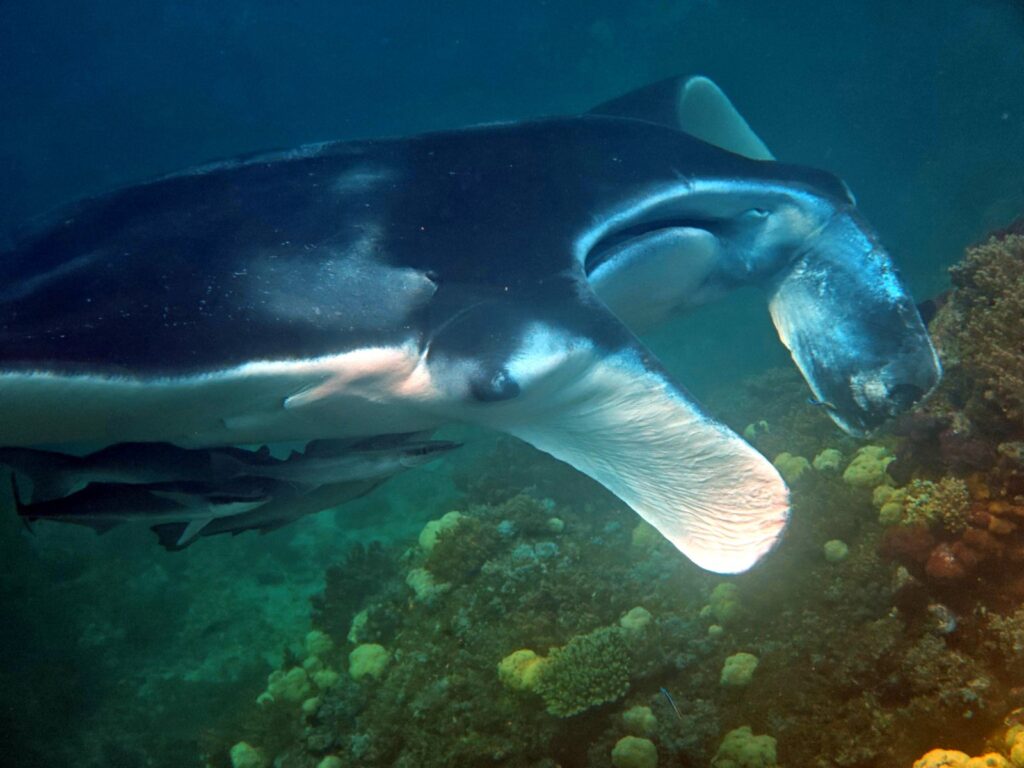
Big schools are where the wide-angle wet lens earns its place.
Reef color is the other half of the story, and this is where the red filter and UWACAM change the result.
Fish portraits come down to tap-to-focus, which no button housing can give you.
And with the +8 close-up lens the same phone goes small.
Every accessory in these frames, from the wet lenses to the red filter and the external shutter, is covered in my full DIVEVOLK review. For many more pictures taken with this phone and housing, see my Scubaspa Zen liveaboard review and my Raja Ampat snorkeling review on the Scubaspa Zen.
Who should buy which
| Buy the DIVEVOLK Platinum V2 if | You dive warm water bare-handed, want Pro-mode control and UWACAM, own a thick flagship phone, or want a housing that survives your next three phone upgrades. |
| Buy the SeaLife SportDiver Ultra if | You dive cold water in thick or dry gloves, want a leak alarm and vacuum check, prefer point-and-shoot simplicity, or want to spend USD 150 less. |
| Buy neither if | Your main interest is macro; get an Olympus TG-7 or a dedicated camera housing instead. |
Prices and where to buy
DIVEVOLK list the SeaTouch 4 Max Platinum V2 at USD 499 and Bluewater Photo at USD 479; SeaLife dealers list the SportDiver Ultra at USD 349, as at October 2026. My reader link below applies 6% off automatically across DIVEVOLK housings, lenses and trays at the official store, with no code to type.
Check the current DIVEVOLK Platinum V2 price (6% reader discount applied)
Frequently asked questions
Is DIVEVOLK better than SeaLife?
For image control and versatility, yes: the DIVEVOLK gives you your phone’s full touchscreen, every camera mode and third-party apps like UWACAM at depth. The SeaLife SportDiver Ultra is better for cold-water divers in gloves and for anyone who wants a leak alarm.
Can the SeaLife SportDiver use any phone?
SeaLife describe the SportDiver Ultra as universal and list most iPhones and large Android flagships, including Pro Max and Ultra models, within its size limits. Always check SeaLife’s compatibility chart for your exact model.
Does the DIVEVOLK have a leak alarm?
No. The DIVEVOLK Platinum uses an O-ring seal with a visual check. The SeaLife SportDiver Ultra has both a moisture alarm and a vacuum pressure alarm.
Which is lighter, DIVEVOLK or SeaLife?
On published figures they are close: SeaLife quote 808 g for the SportDiver Ultra with batteries and filter fitted, DIVEVOLK 748 g for the Platinum V2 in air. The polycarbonate SeaLife feels lighter in the hand; the aluminium DIVEVOLK feels more solid.
Can I use the UWACAM app with a SeaLife housing?
No. The SeaLife works only through its own SportDiver app over Bluetooth. UWACAM needs a housing that gives you the phone’s own screen, which is what the DIVEVOLK does.
What happens when I change phones?
With the DIVEVOLK you print or buy a new model-specific tray for about USD 15 and keep the housing. With the SeaLife, your new phone must fit the housing’s size limits and be supported by the SportDiver app.
What if another app opens over the SportDiver app during a dive?
You are stuck until you surface: the SeaLife housing cannot switch apps and you cannot touch the screen, so the rest of the dive is lost for photos. Put the phone in airplane mode before closing the housing so no call or notification can interrupt the app.
Disclosure: this article contains affiliate links. If you book through them, I earn a small commission at no extra cost to you. Read my full disclosure policy.
Every review on This Is Luxury Travel is written first-hand. Read more about how I review, or visit my Work With Me page.