The DIVEVOLK SeaTouch 4 Max Platinum V2 is the underwater smartphone housing I now take on every dive, and after more than 1,500 dives and over ten underwater cameras — Canon compacts, an Olympus PEN, a Canon R mirrorless, five generations of GoPro and a DJI action camera — it is the only camera system left in my dive bag. It is a CNC-machined aluminium housing, rated by DIVEVOLK to 60 metres, that lets you use your phone’s real touchscreen and every app at depth. My verdict: miles better than a GoPro or DJI for stills, far more versatile than either for video, and the one camera to pack if you can only pack one. Its single weak point is true macro, where an Olympus TG-7 still wins.
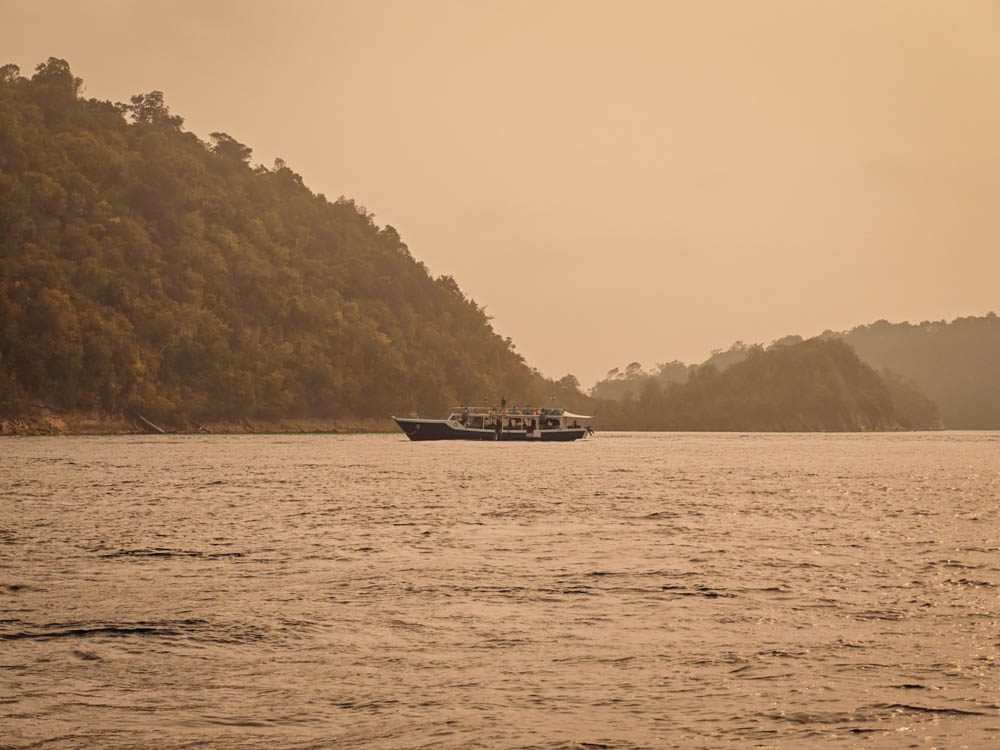
This DIVEVOLK review covers the Platinum V2 housing itself and every accessory I own for it: the external shutter, the dual-handle tray, the red filter, the +8 macro lens and the 0.6x wide-angle lens — plus the UWACAM app, which I rate as the single most important add-on of all. I have dived the system on liveaboard trips in Raja Ampat, Komodo and the Banda Sea, with a Xiaomi 17 Ultra sealed inside it.

Quick verdict
Rating: 5 / 5. Buy the DIVEVOLK Platinum V2 if you want one versatile underwater camera for wide-angle reefs, fish portraits and video, and you already own a good phone. Buy the external shutter and the dual-handle tray with it. Skip the wide-angle lens if your phone already has a wide angle lens, treat the red filter as optional once you have UWACAM, and manage your expectations on the macro lens.
- Best for: travelling divers who want one camera, Android and iPhone owners alike, anyone upgrading from a GoPro or DJI action camera.
- Not for: dedicated macro shooters chasing pygmy seahorses, cold-water divers in thick gloves, or anyone who needs a leak alarm.
- Price: USD 499 list price for the Platinum V2 housing at the official DIVEVOLK store, as at October 2026 — about USD 469 with my 6% reader link.
Why trust this DIVEVOLK review
I have logged more than 1,500 dives across 135 countries and photographed marine life with more than ten underwater cameras, from Canon G-series compacts and an Olympus PEN to a Canon R mirrorless rig and every GoPro from the Hero 8 to the Hero 13. I dived the original SeaTouch 4 Max Platinum for 30 dives in Raja Ampat and Komodo, then moved to the Platinum V2 and have dived it with every accessory DIVEVOLK make for it. Every opinion here comes from real dives, including the ones where the gear let me down. If you want the camera-phone side of the story, read my Xiaomi 17 Ultra underwater photography review, which uses the same housing.
DIVEVOLK SeaTouch 4 Max Platinum V2 at a glance
| Version reviewed | SeaTouch 4 Max Platinum V2 (I own and dive the original Platinum too — 30 dives in Raja Ampat and Komodo) |
| Price | USD 499 list price at the official DIVEVOLK store, as at October 2026; about USD 469 with my 6% reader link |
| Depth rating | 60 m housing; touchscreen rated to 40 m (DIVEVOLK) |
| Body | CNC-machined aluminium alloy, 748 g in air, about 374 g underwater (DIVEVOLK figures via Bluewater Photo) |
| Phone compatibility | Any phone up to 180 × 82.5 × 11.2 mm via a model-specific tray — iPhone 12 to 17 series, Samsung, Xiaomi, Huawei, Vivo, Oppo, Pixel and more |
| Mounting | Built-in M67 lens ring, dual 1/4-inch threads, cold-shoe mount and M6 thread (new on V2) |
| Leak alarm | None — O-ring seal, visual check only |
| Phone I used | Xiaomi 17 Ultra (Android) |
What is new in the Divevolk Platinum V2
I own both the original Platinum and the Platinum V2, and there is not much between them. DIVEVOLK lists four changes: a more durable touchscreen membrane rated to 100,000 presses, an integrated cold-shoe mount on top of the housing, an M6 threaded hole for extra rigging, and a redesigned lens lock that stops wet lenses rotating accidentally. The 60 m depth rating, the aluminium body and the gel-filled touchscreen are unchanged. In the water I find the V2’s touchscreen a little easier to use, and the cold-shoe on top is handy for clipping on a small light or a GoPro — but if you shoot with the dual-handle tray you already have ball heads for that and will not need it. My advice: if you find the original Platinum at a big discount, buy the V1 and put the saving towards the shutter and tray. At the same price, take the V2.
The touchscreen is the whole point
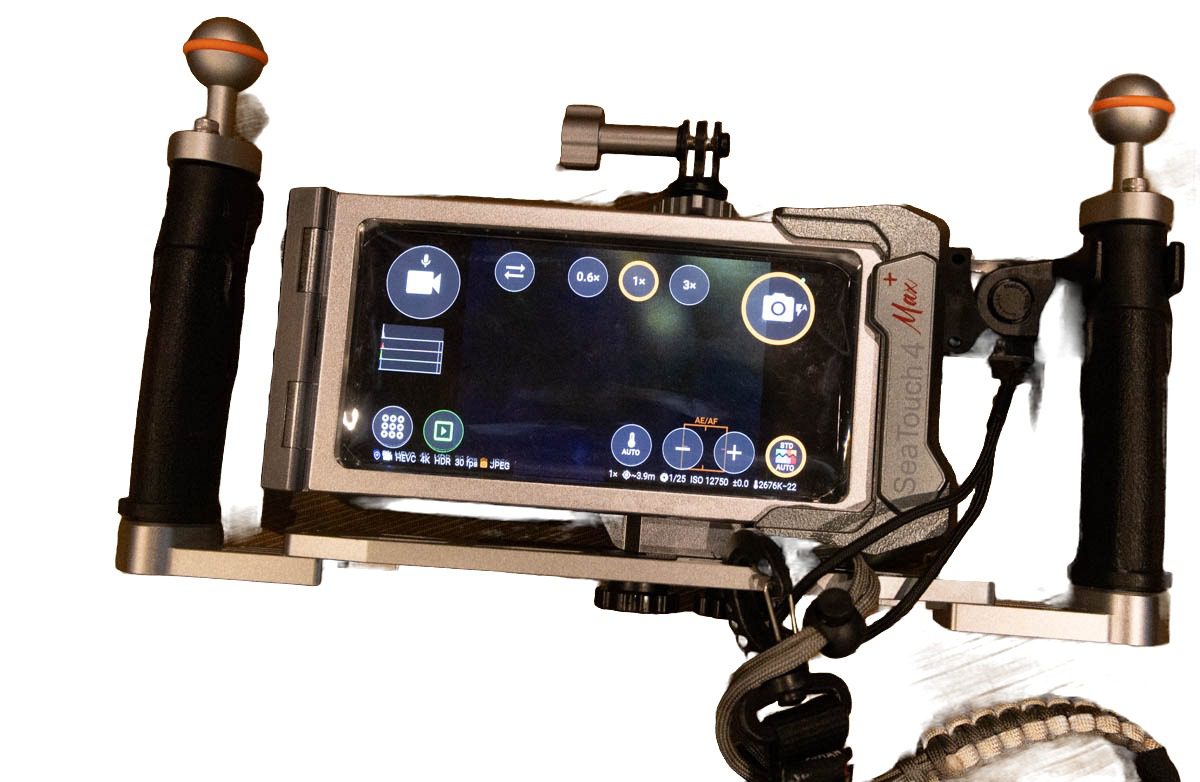
Every other smartphone housing I have seen on a dive deck — SeaLife, Kraken, Oceanic+ — talks to your phone through Bluetooth and a proprietary app, so you get only the functions the housing maker chose to expose. The DIVEVOLK presses a gel-filled membrane against the phone’s real screen, so your fingertip registers as a normal touch. You open the stock camera in Pro mode, switch to UWACAM mid-dive, tap a wobbegong to focus, review a frame at full resolution, change exposure and start a video with exactly the taps you would use on land. There is no pairing, no companion app, and no compatibility list to check.
Two honest caveats. The membrane needs a firm, deliberate press, so pinch-to-zoom is awkward and I use the lens buttons in the camera app instead. And precision drops in thick gloves; DIVEVOLK rate the touchscreen itself to 40 m, and I dive it bare-handed in the tropics, which is the best case.
Build, sealing and the tray system
The Platinum V2 is a slab of machined aluminium, and after liveaboard weeks of wet-deck handling mine shows no flex, no stress marks, and no corrosion. Sealing takes about 30 seconds: drop the phone into its tray, slide the tray into the housing, close the two locking wheels. It is the easiest housing to open and close I have owned, and I have flooded two camera bodies in my time, so I pay attention to this.
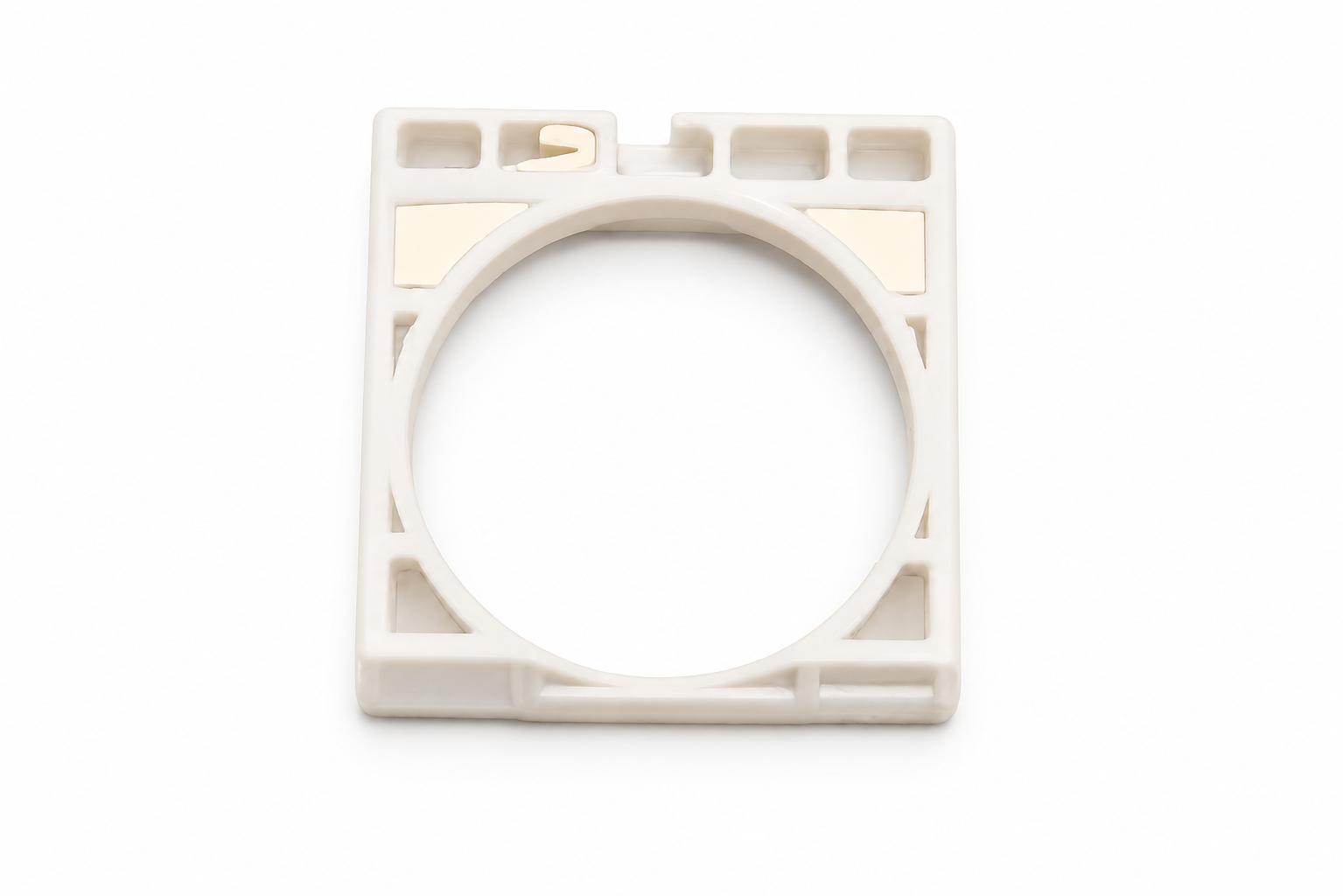
The tray is the clever part. The housing never changes; only the cheap internal tray is specific to your phone. When my Xiaomi 17 Ultra was too new for a production tray, DIVEVOLK sent me the 3D-printing file and I had one printed locally for about USD 15. When you upgrade your phone in two years, you print a new tray for about USD 15 and keep the USD 499 housing — which no SeaLife, Kraken or dedicated camera housing can offer. And because the tray is made for your exact phone model, the phone is held securely and cannot move inside the housing, so the lenses stay lined up with the port dive after dive.
One tip from my first tropical dives: pack silica anti-fog inserts, cut them into strips and tuck them inside the tray margins. The housing fogged on my first three dives in Raja Ampat and never again after that.
Every DIVEVOLK accessory I own, rated
| Accessory | Price (Oct 2026) | My verdict | Buy it? |
|---|---|---|---|
| Underwater External Shutter | USD 69 | Makes photos much easier; stops working at about 30 m | Yes — with the tray |
| Dual Handle Tray | USD 99 | Stable grip, mounts the shutter perfectly, fits any phone | Yes |
| UWACAM app | USD 49.99 per year | Live colour correction; a must-have | Yes — first |
| Red filter (67 mm) | EUR 27 | Great without UWACAM; redundant with it | Optional |
| Macro lens +8 | USD 129 | Hard to use so far: forces you very close to the subject | Maybe |
| Wide-angle lens 0.6x | USD 119 | Your phone already has a wide lens | Skip |
Prices are DIVEVOLK’s own list prices in US dollars where published, the red filter is DIVEVOLK’s EUR price and UWACAM is the App Store price, as at October 2026.
My reader link takes 6% off every DIVEVOLK accessory above at the official store — the dual-handle tray comes to about USD 93, the external shutter about USD 65 and the +8 macro lens about USD 121 — and there is no code to type.
External shutter: buy it, but know its depth limit
The USD 69 external shutter is a Bluetooth button that clamps to the housing or the dual-handle tray, and it changes the shooting experience more than any lens. Instead of pressing the on-screen button through the membrane — which moves the housing at the exact moment you want it still — you squeeze a physical trigger with your right index finger and the frame stays put. Fish portraits got sharper the day I fitted it.
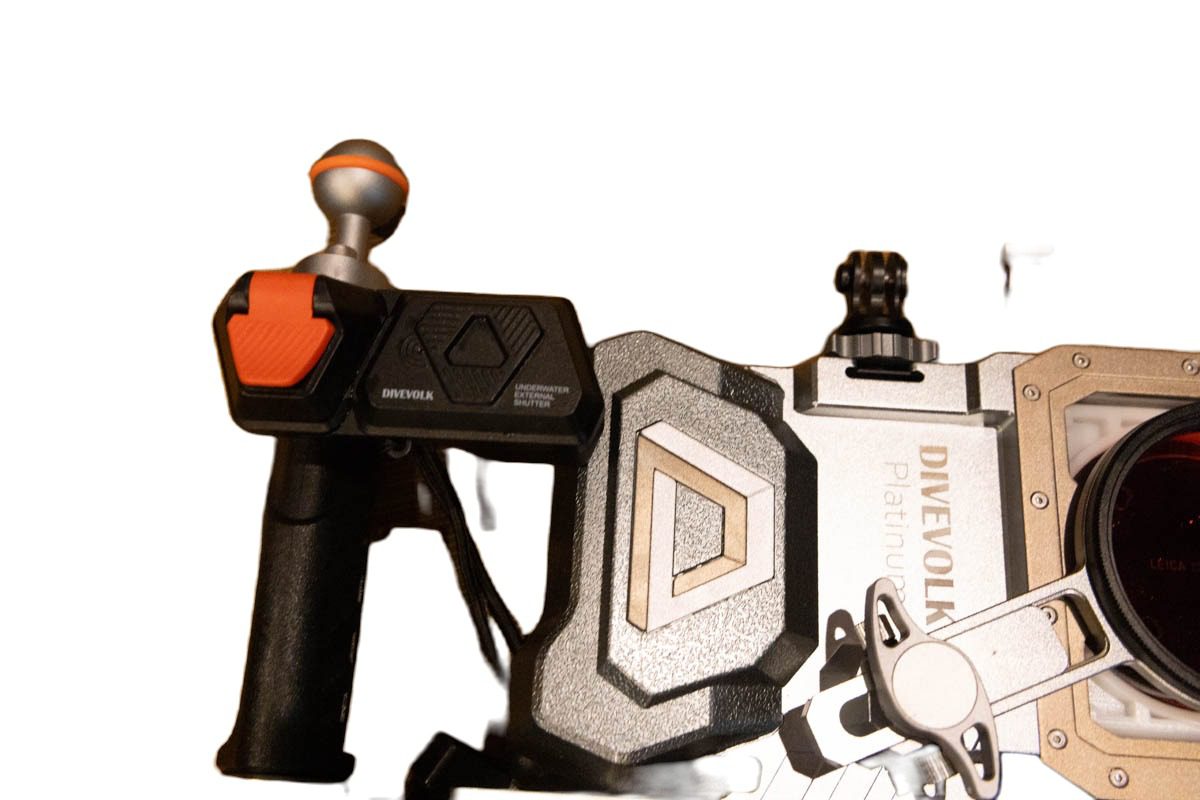
Two things to know. First, buy it with the DIVEVOLK dual-handle tray: the shutter attaches to the tray perfectly, and DIVEVOLK’s own FAQ warns that it disconnects if the handle sits too far from the housing. Second, it stops working at about 30 metres. Water pressure stops the button from releasing, so the shutter either fires once and sticks or does nothing. I learned this the hard way on a hammerhead dive, hanging at 30 metres with a school passing in front of me and a trigger that would not fire. I missed several of the best hammerhead frames of the trip. Below 30 m, tap the screen instead; DIVEVOLK rates the touchscreen to 40 m.
Dual-handle tray: the accessory that makes the others work
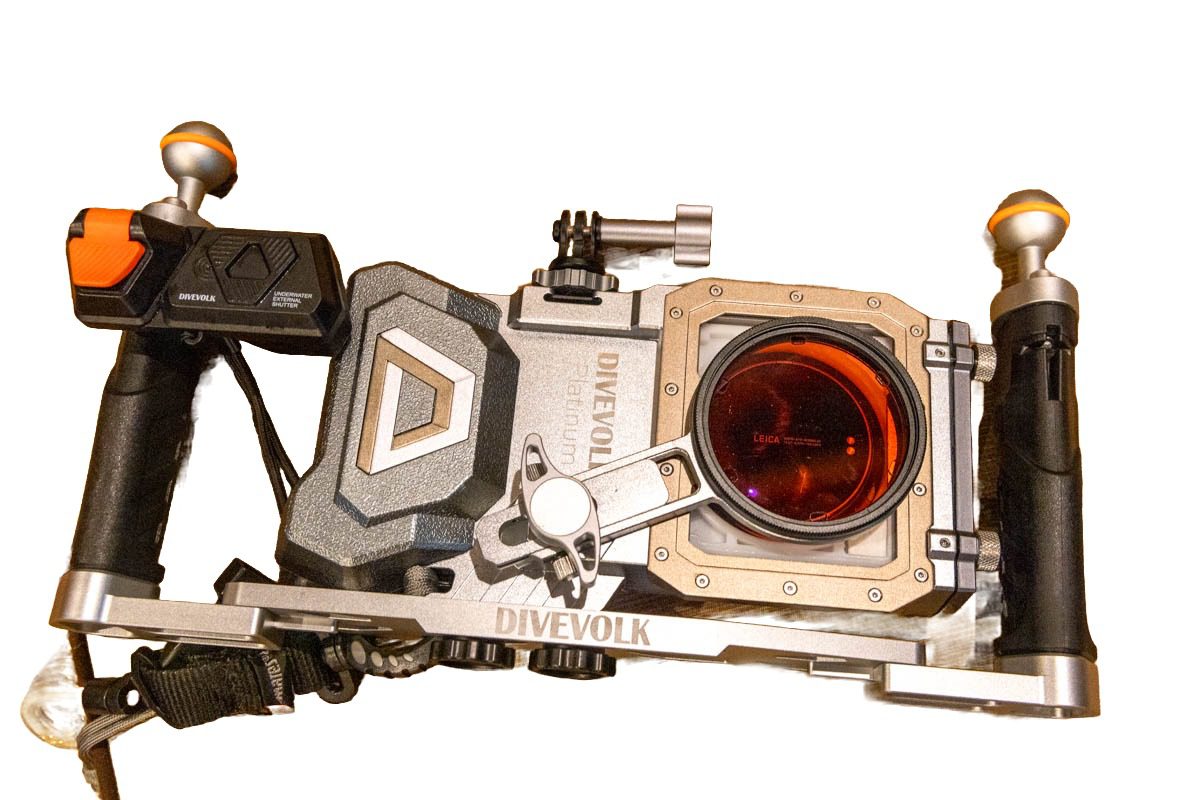
The USD 99 aluminium tray bolts to the housing’s dual 1/4-inch threads and gives you two ergonomic grips, ball heads on each side for lights or float arms, and the mounting point for the shutter. It turns a phone-sized slab into something you hold like a camera, which matters for video and for current. A slightly loosened screw lets you rotate the housing out of the tray to swap phones without disassembling anything. If you buy the shutter, this is not optional.
Red filter vs the UWACAM app
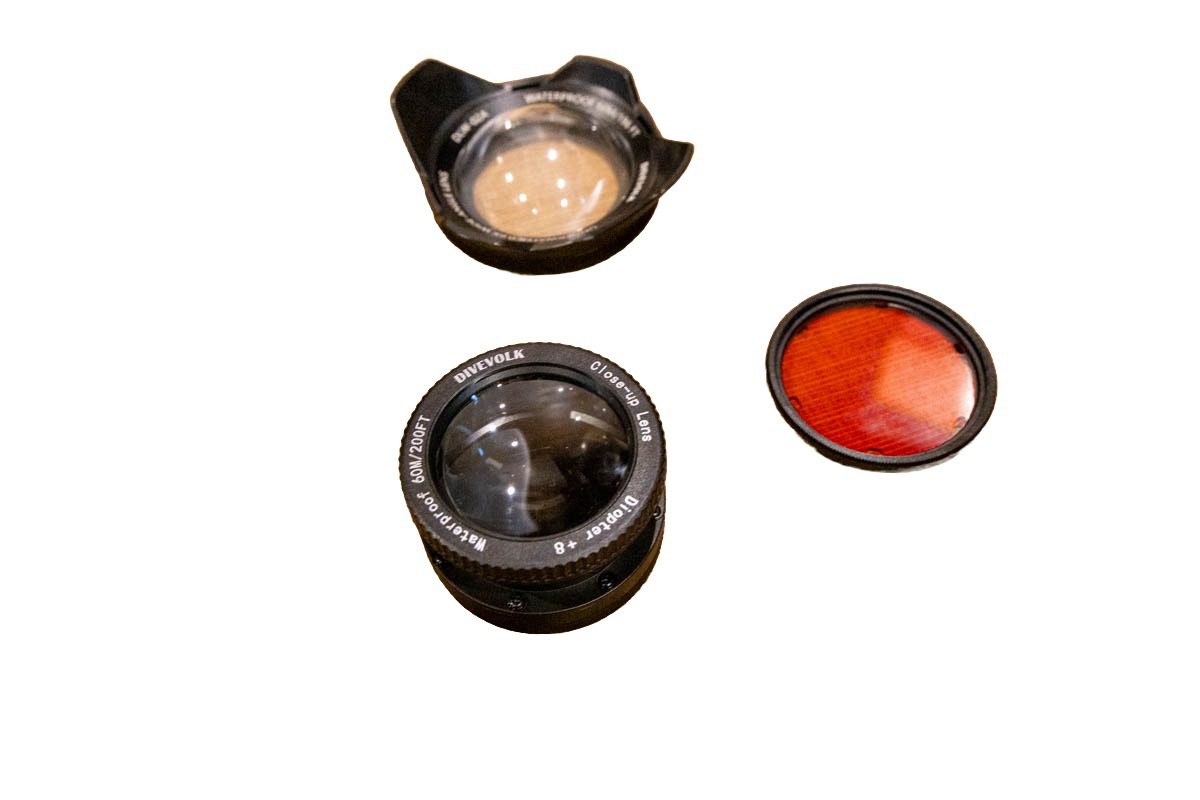
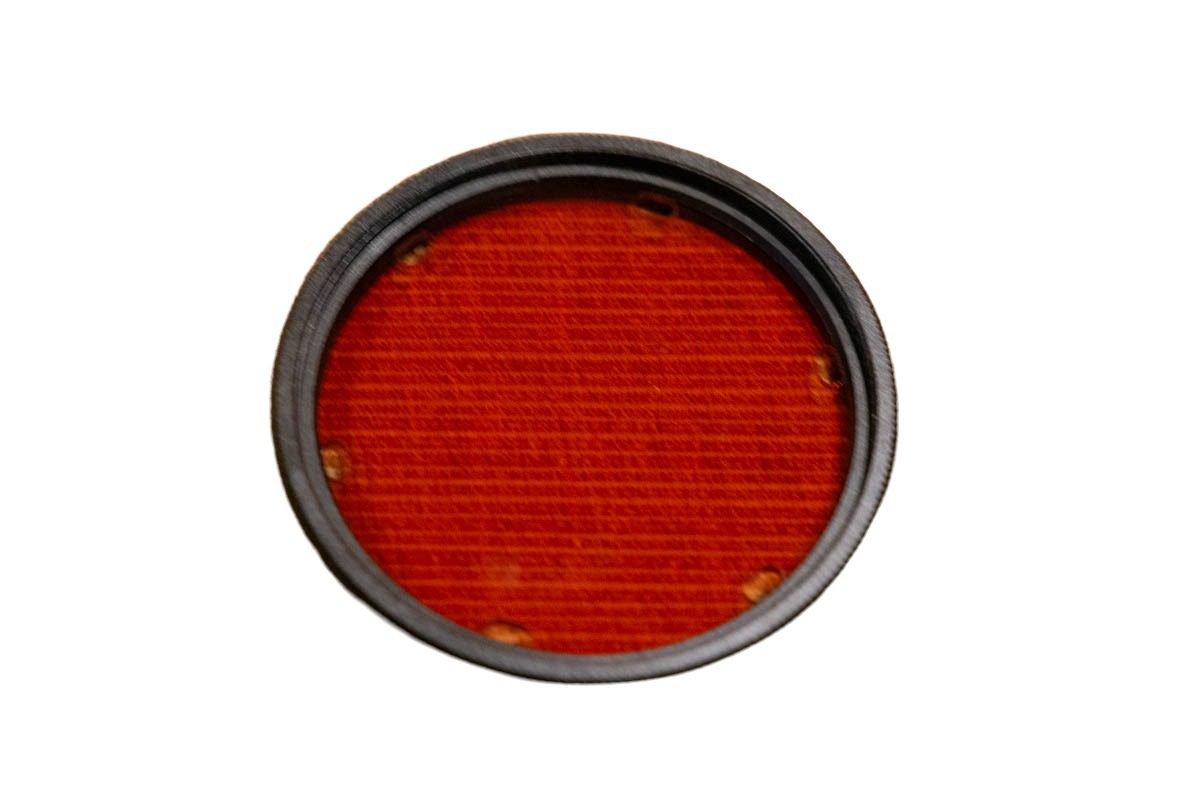
DIVEVOLK’s 67 mm red filter (EUR 27) screws onto the built-in adapter ring and puts the reds back into your frames between roughly 5 and 25 metres. It works, and if you shoot with the stock camera app it is a great buy. But once I started shooting through UWACAM I stopped using it: the app’s live colour correction is far subtler than a fixed piece of red glass, it adapts as you change depth, and it does not cost you a stop of light in the shallows. Buy the filter if you refuse to pay for an app; otherwise put the money towards UWACAM.
Macro lens +8: hard to use (so far)
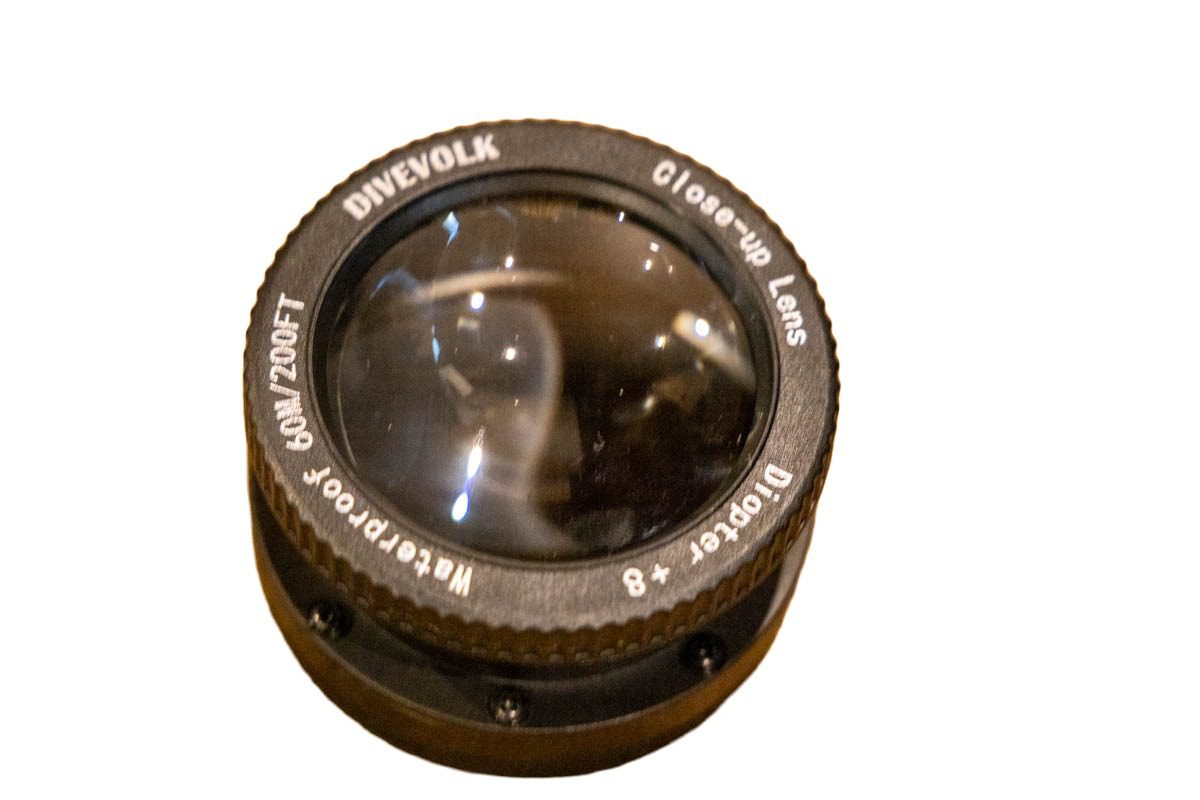
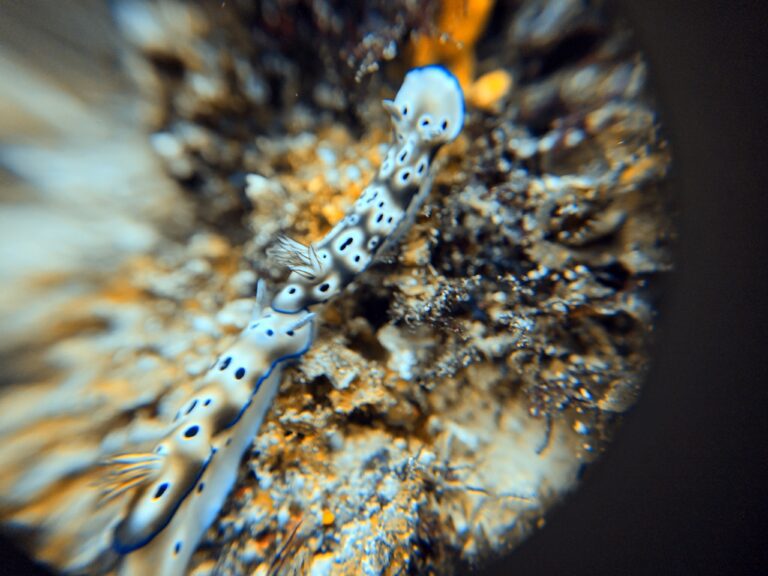
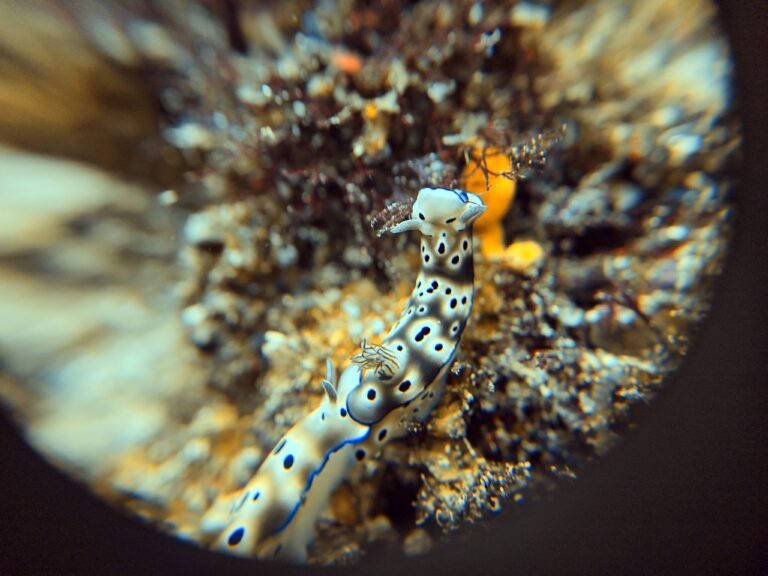
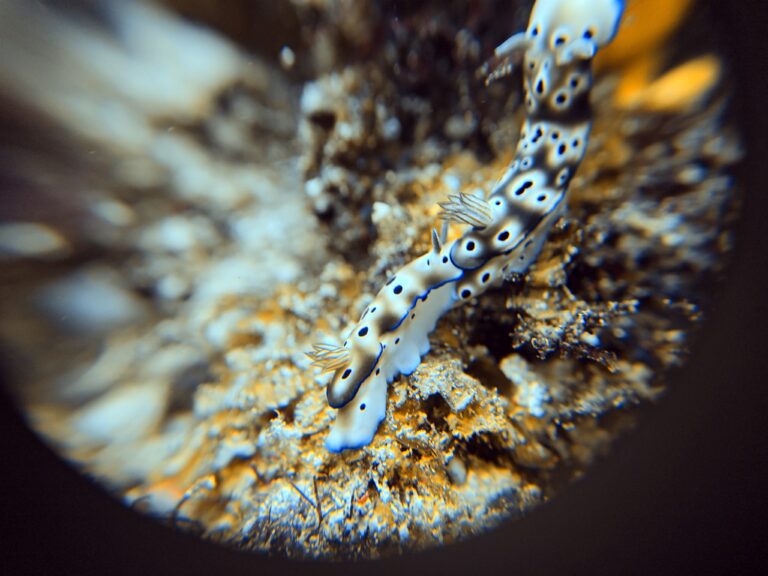
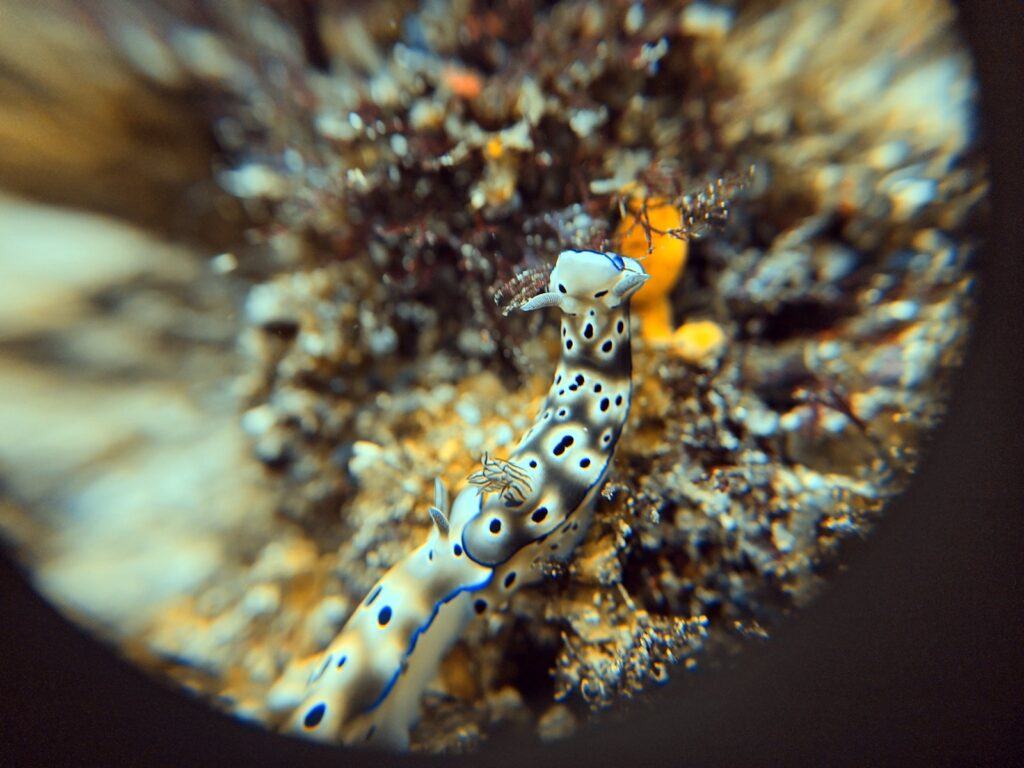
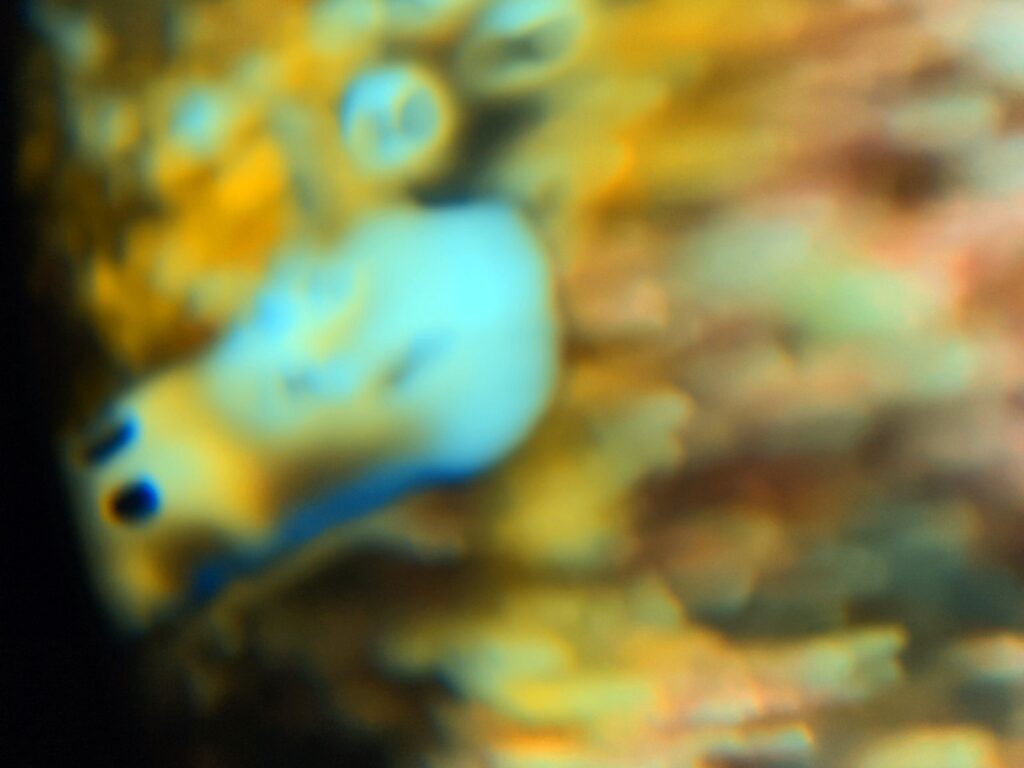
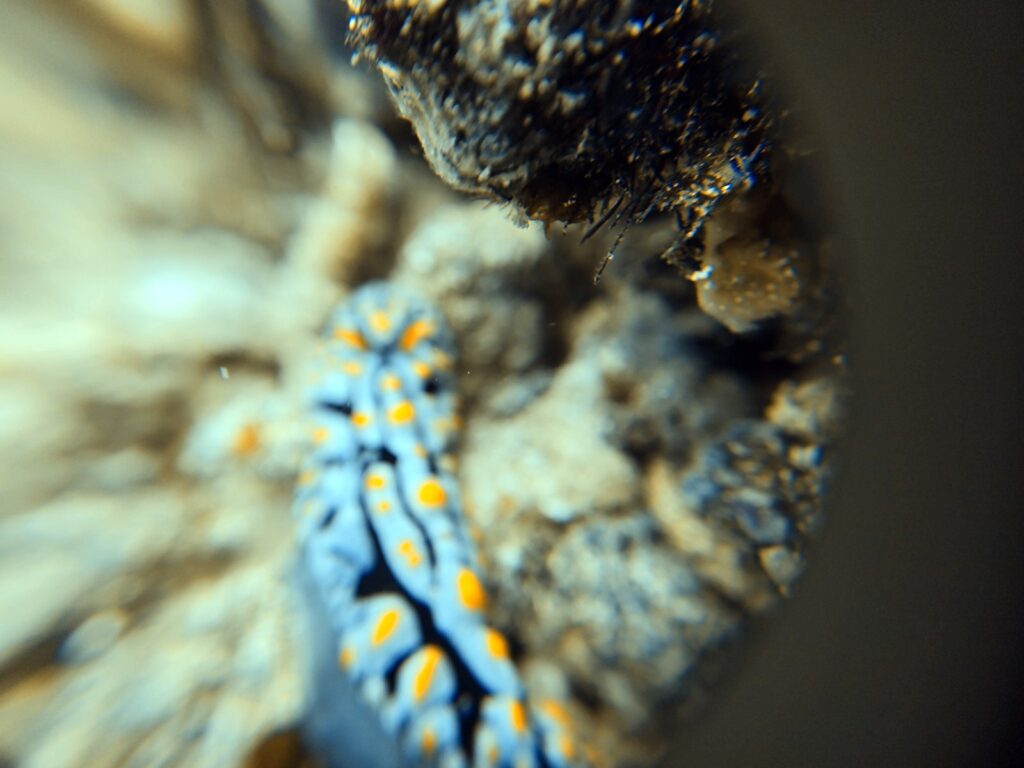
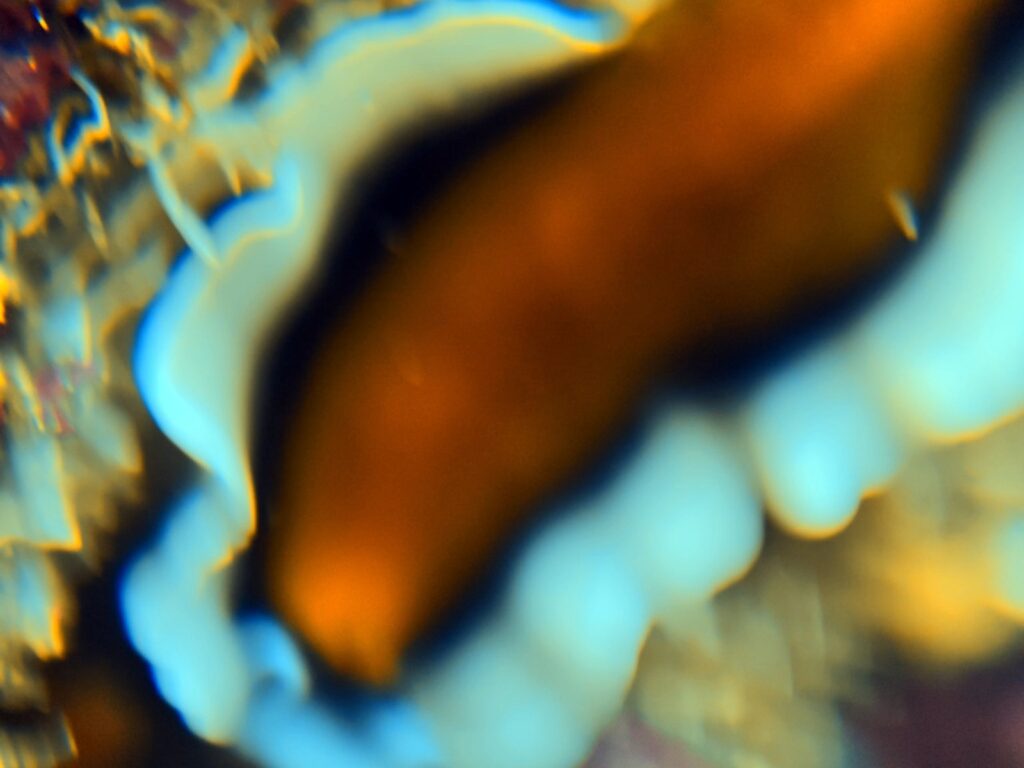
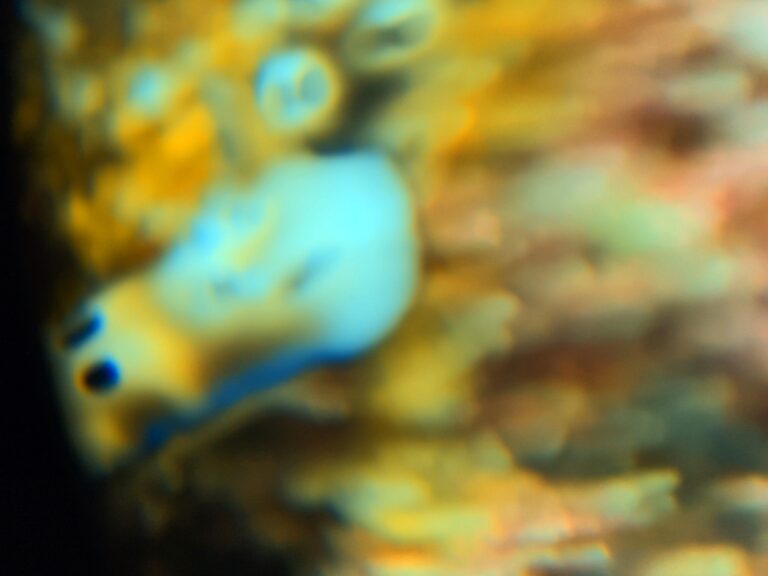
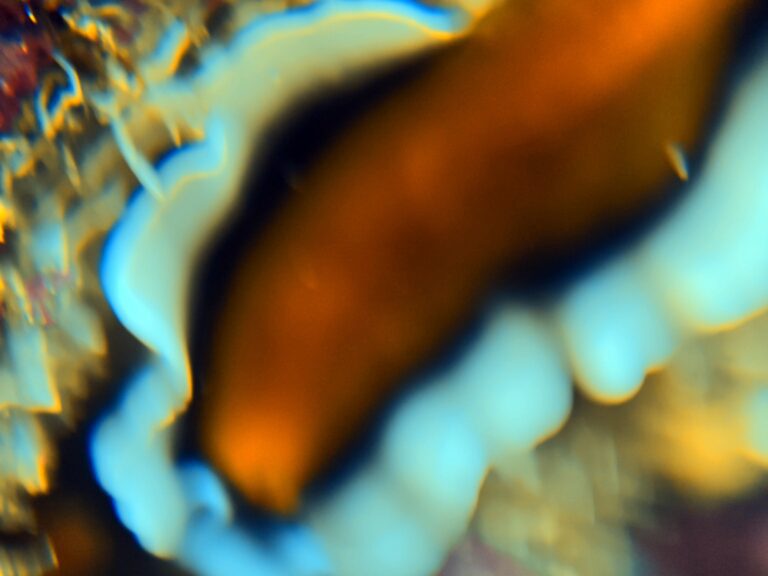
The USD 129 +8 close-up lens threads onto the adapter ring and lets the phone focus far closer than its native 30 cm minimum. In practice, I could not use it well. It forced me to get very close to the subject — any farther back and the frame came out very blurry — and at that distance I was afraid I would touch the nudibranchs and corals I was photographing. When I switched to the phone’s 1x lens instead, the macro lens itself was visible in the photo as a dark ring around the frame, as in the shots below.
Part of the problem is alignment: the lens has to sit dead center over whichever phone lens is active, and on a phone like the Xiaomi 17 Ultra, with four lenses on a large off-center module, that takes patience and an adjustable arm. I am not yet sure I like this lens. It stays in my bag for critter dives, and I need more practice with it before I give a final verdict, but for now I would not call it a strength of the system.
Wide-angle lens 0.6x: the one to skip
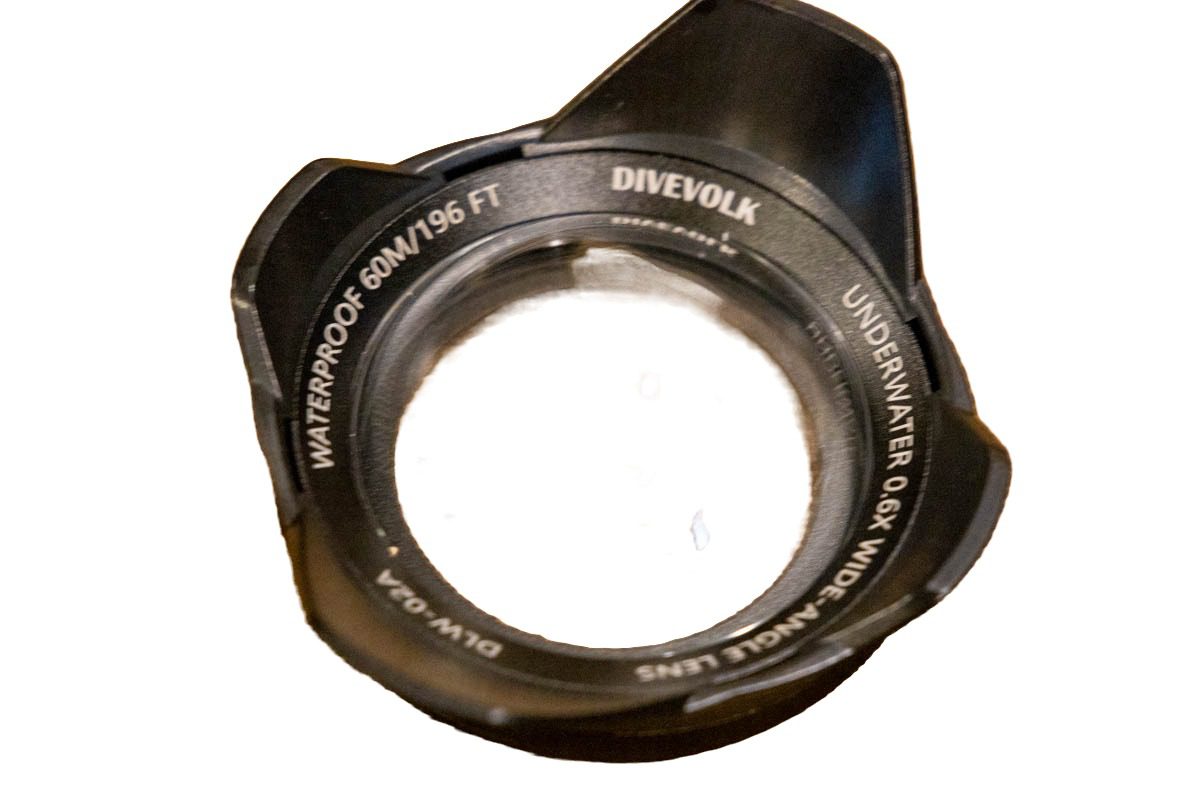
The USD 119 wide-angle wet lens is the accessory I never reach for. Every flagship phone now has its own ultra-wide camera, and DIVEVOLK themselves note the wet lens only works on the main camera — put it over the phone’s built-in wide lens and you get a black ring around the frame. On the Xiaomi the native ultra-wide already covers Raja Ampat’s reef walls and schooling fish without any added glass, so the 0.6x lens solves a problem I do not have. Save the money for the shutter and tray.

UWACAM: the add-on every DIVEVOLK owner should buy first
UWACAM is a third-party underwater camera app for iOS and Android, and it is the biggest single improvement I have made to my results. Its live colour correction shows you the corrected colours on screen while you compose, so you see the finished photo before you take it instead of guessing what post-processing will rescue. Its blending mode noticeably reduced the number of soft frames I brought back. And because the DIVEVOLK gives you full access to third-party apps, you can run it at depth — something no Bluetooth housing can do. It costs USD 49.99 a year on the App Store (about EUR 45), as at October 2026, and is the best money you will spend on this setup.
Two features I use on every dive have nothing to do with colour. The app has a built-in compass overlay, which is always useful underwater to know where the sun is coming from and to find the best direction for your pictures. And its GPS option tags each photo with its exact location, so you know afterwards precisely which site and which spot on the reef a frame was taken at.
The code LUXURYTRAVEL gives new yearly subscribers 20% off the first year — about USD 40 instead of USD 49.99. Download the app for iPhone or Android and enter the code at checkout.
Set your shutter speed to at least 1/200 s in PRO mode for moving subjects — my frames below that came back blurred.
DIVEVOLK vs GoPro and DJI: why I switched
I shot five generations of GoPro, from the Hero 8 to the Hero 13, and a DJI action camera 6 before this. For wide-angle video they are fine; for stills they are not. Fish portraits lacked detail, small subjects never looked impressive and true close-up work was impossible. The DIVEVOLK with a flagship phone gives me a 1-inch sensor, true optical zoom for shy fish, tap-to-focus, Pro-mode exposure control and 4K video in one package that I already carry everywhere. Anyone else tired of flat, soft GoPro diving photos should read my full Xiaomi 17 Ultra vs GoPro comparison. Weighing it against a SeaLife instead? I compare both housings side by side in my DIVEVOLK vs SeaLife SportDiver comparison.
Where it loses: macro
For true macro — pygmy seahorses, hairy shrimp, anything under two centimetres — the DIVEVOLK is not the tool. The phone’s minimum focus distance, the fiddly wet-lens alignment and autofocus hunting on tiny subjects mean a large share of my macro frames come back soft. The Olympus TG-7 with its microscope mode is simply better for that, and a dedicated camera with a macro lens better still. Everything else — reef scenes, fish, schools, sharks, video — the DIVEVOLK handles beautifully, which is why it is the only camera I now take diving.


Sample photos
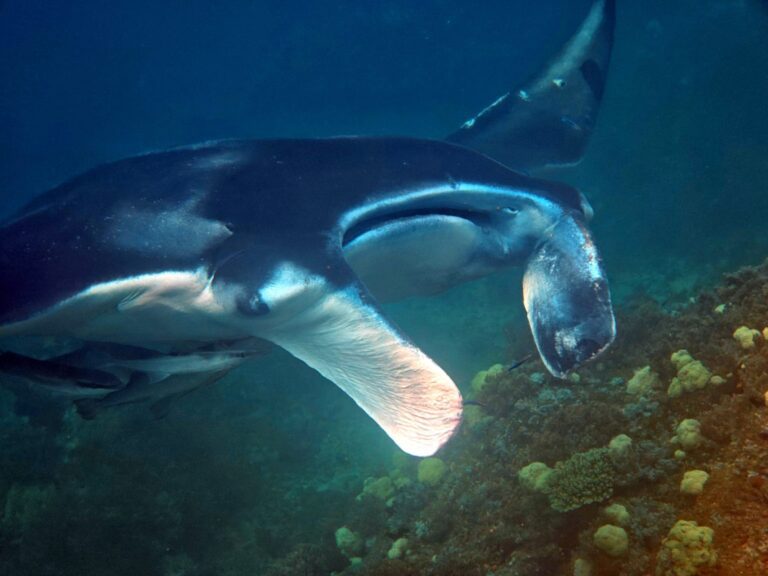
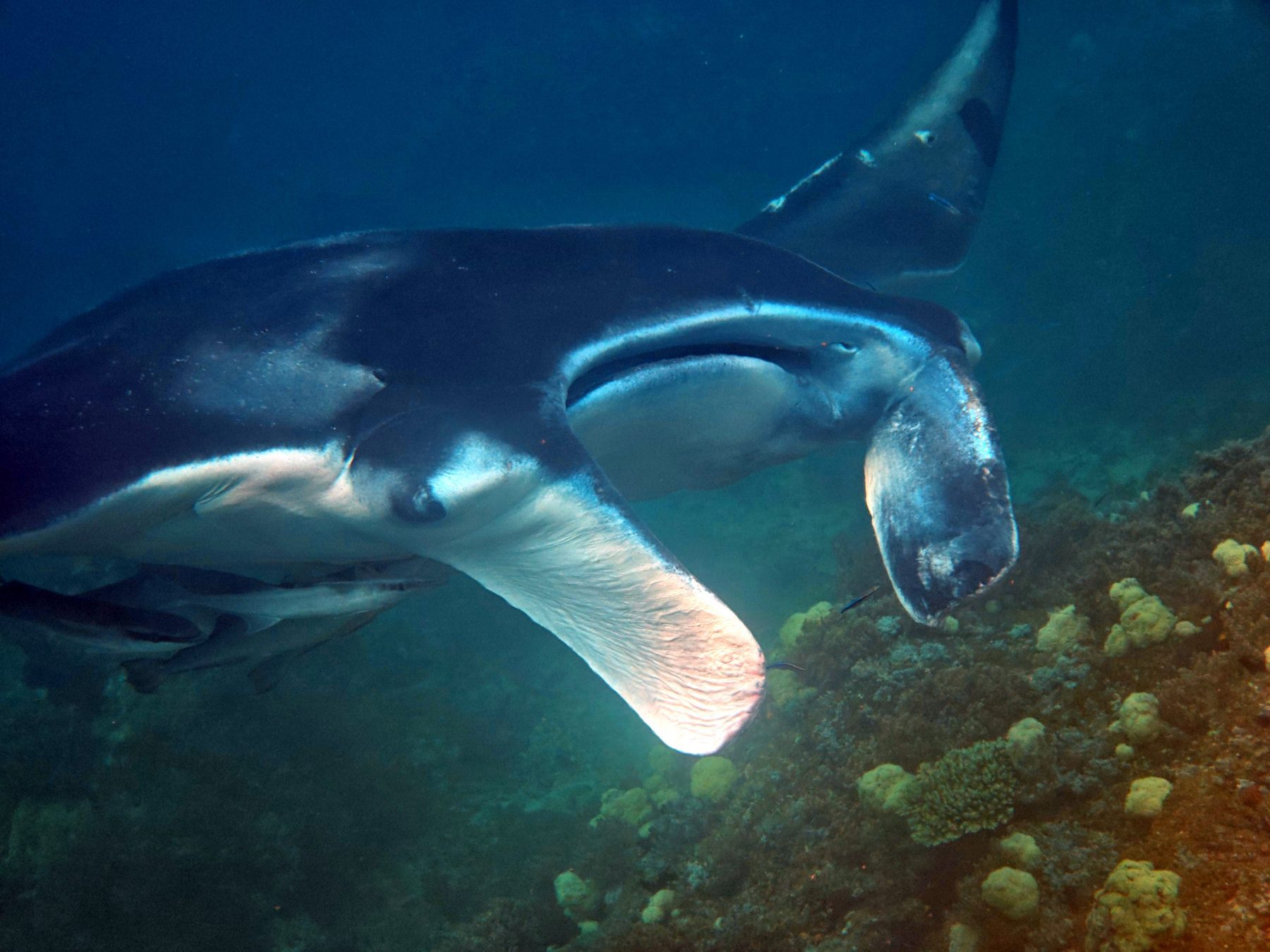
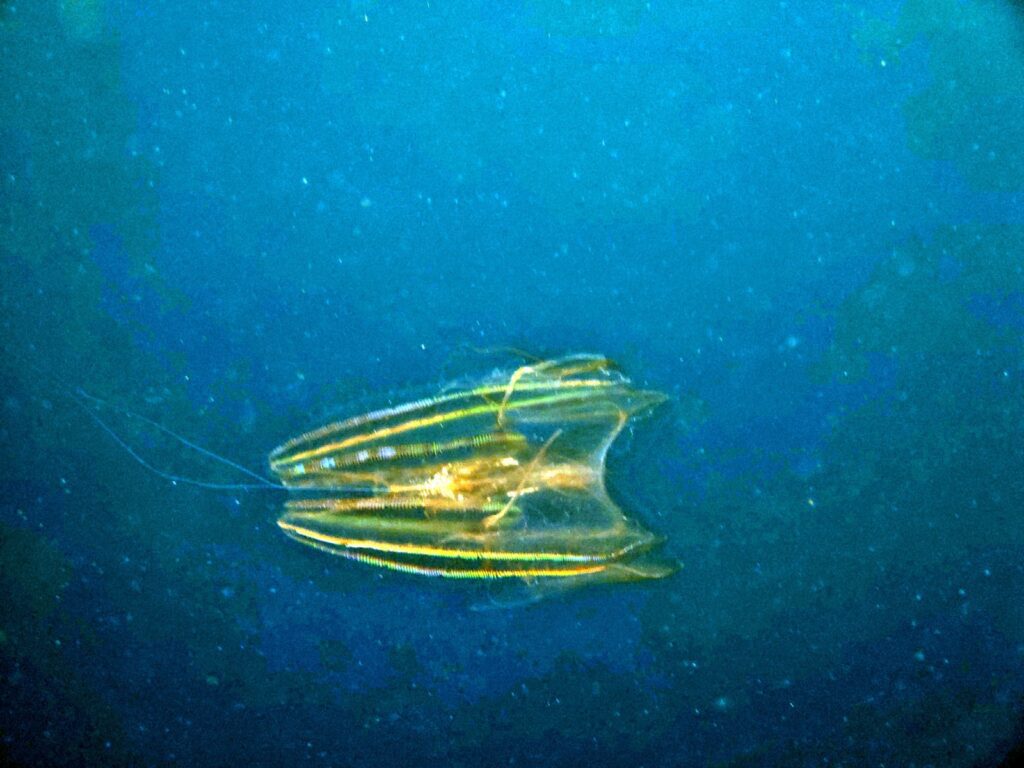
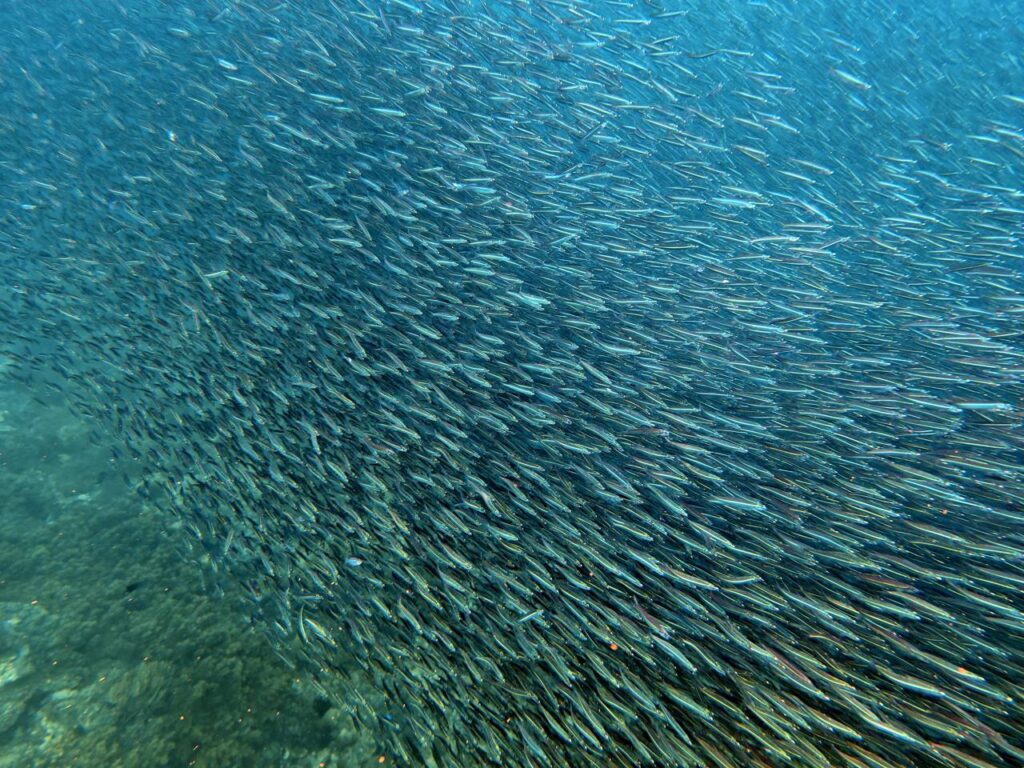
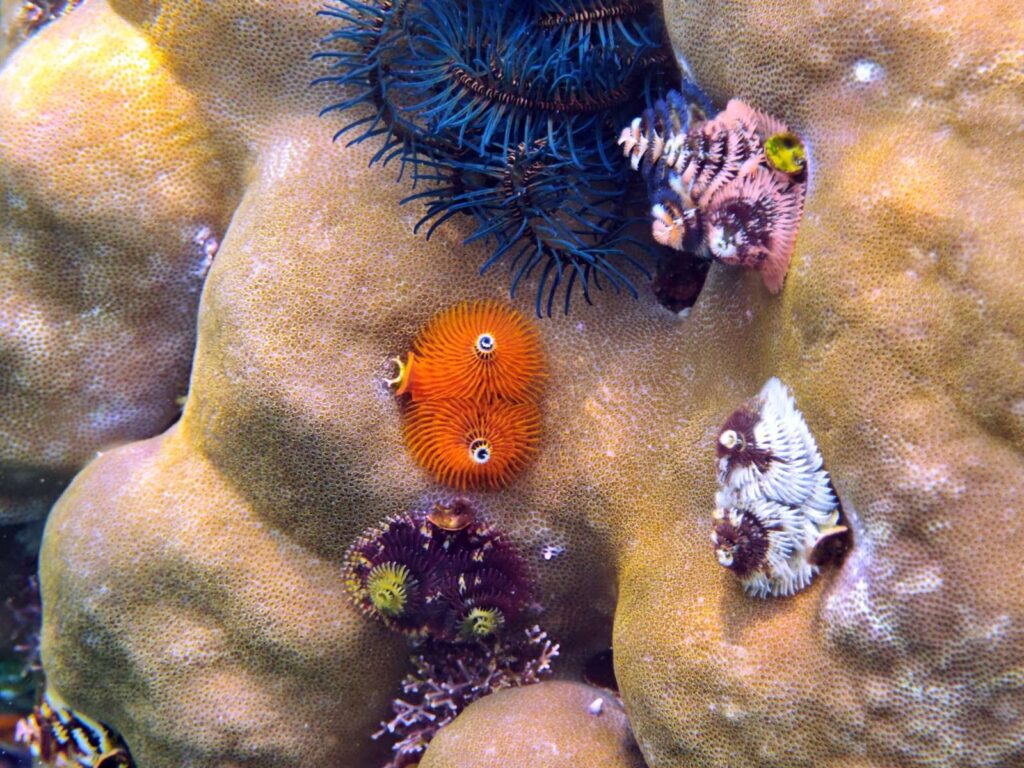
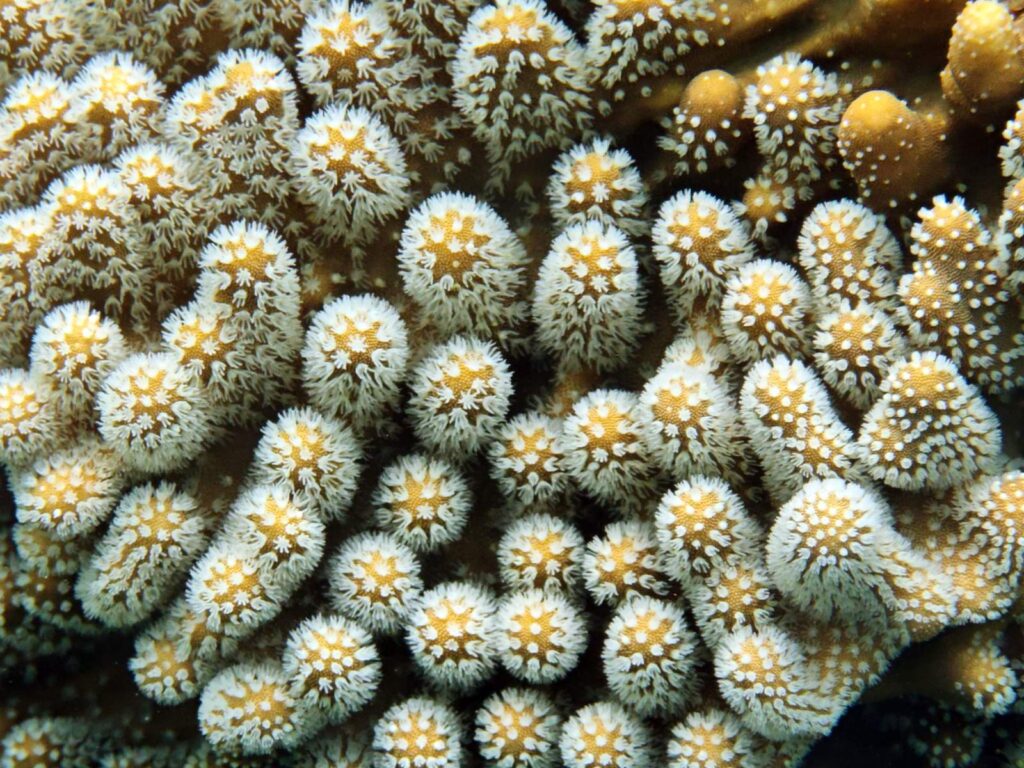
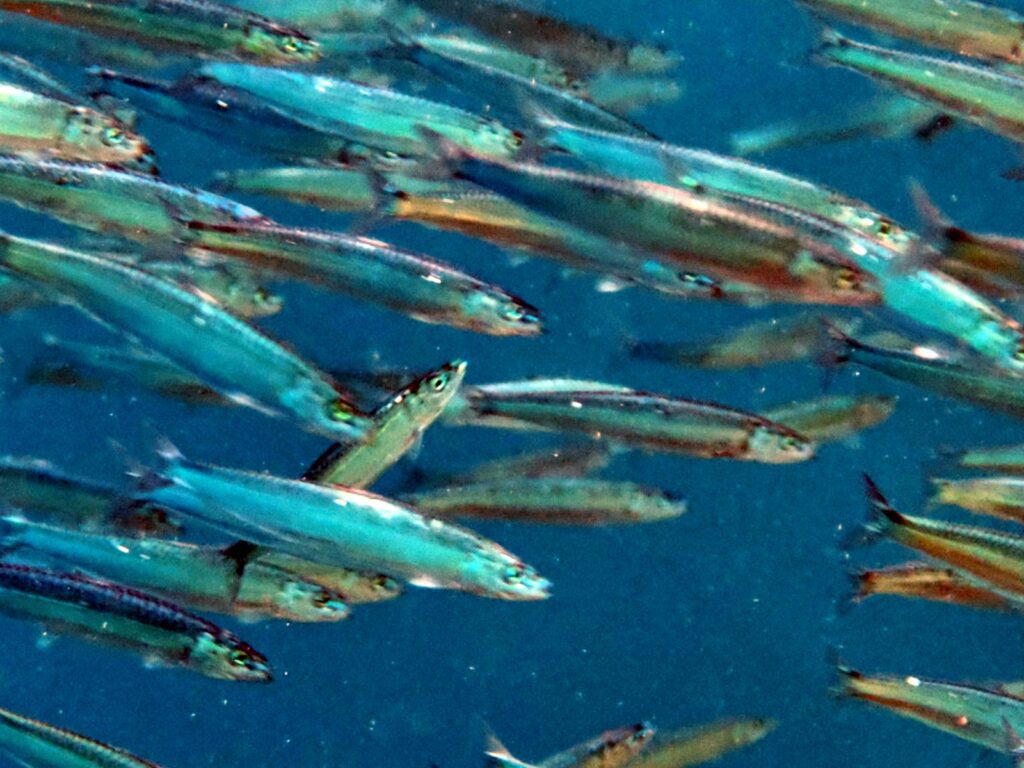
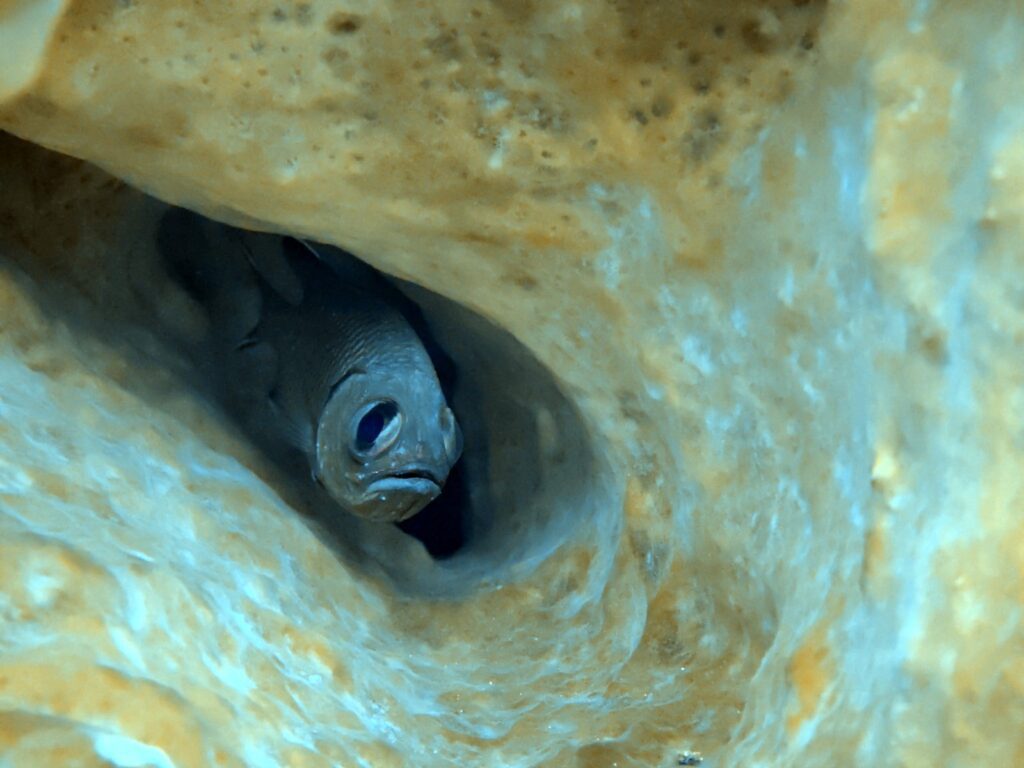
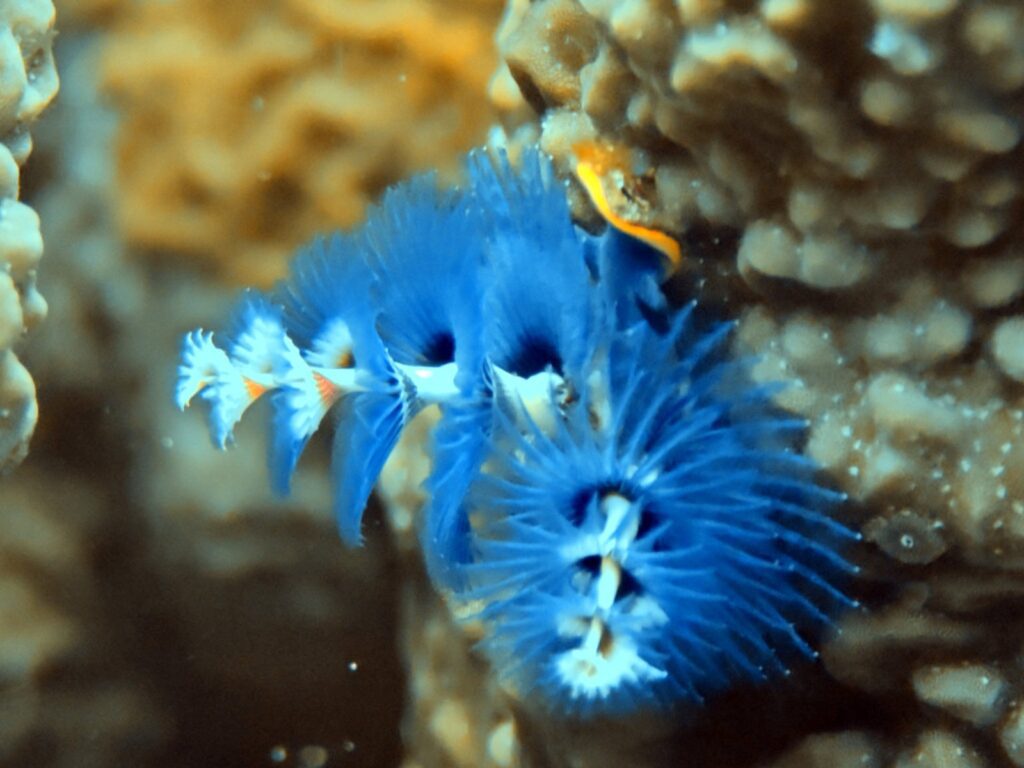
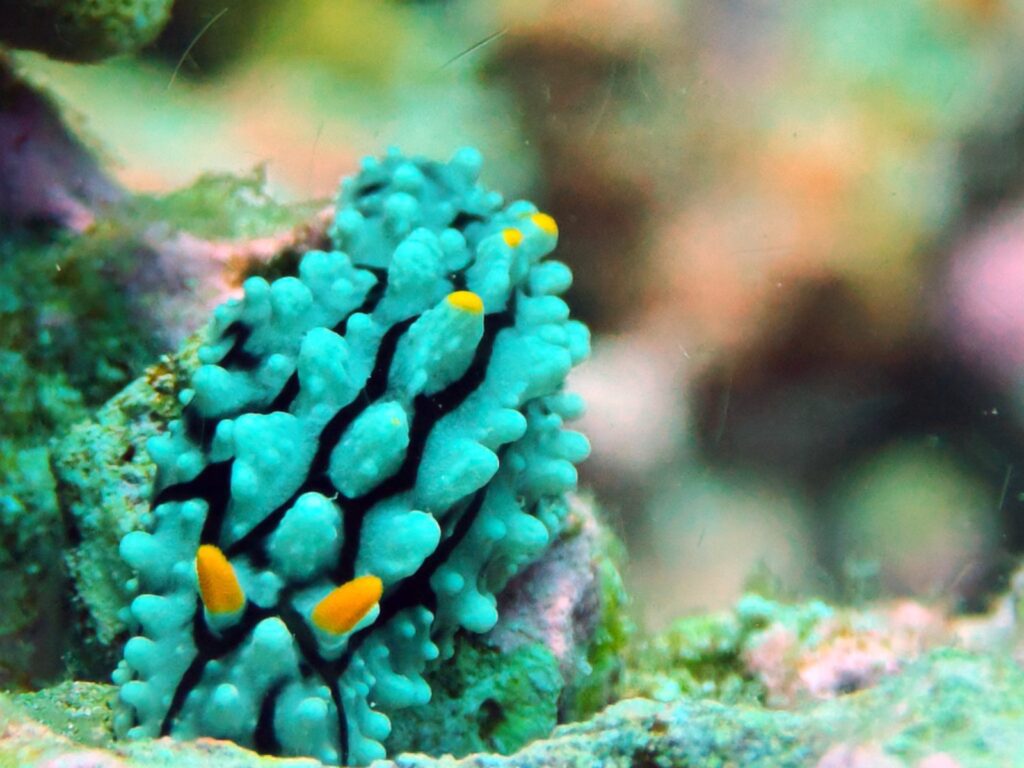
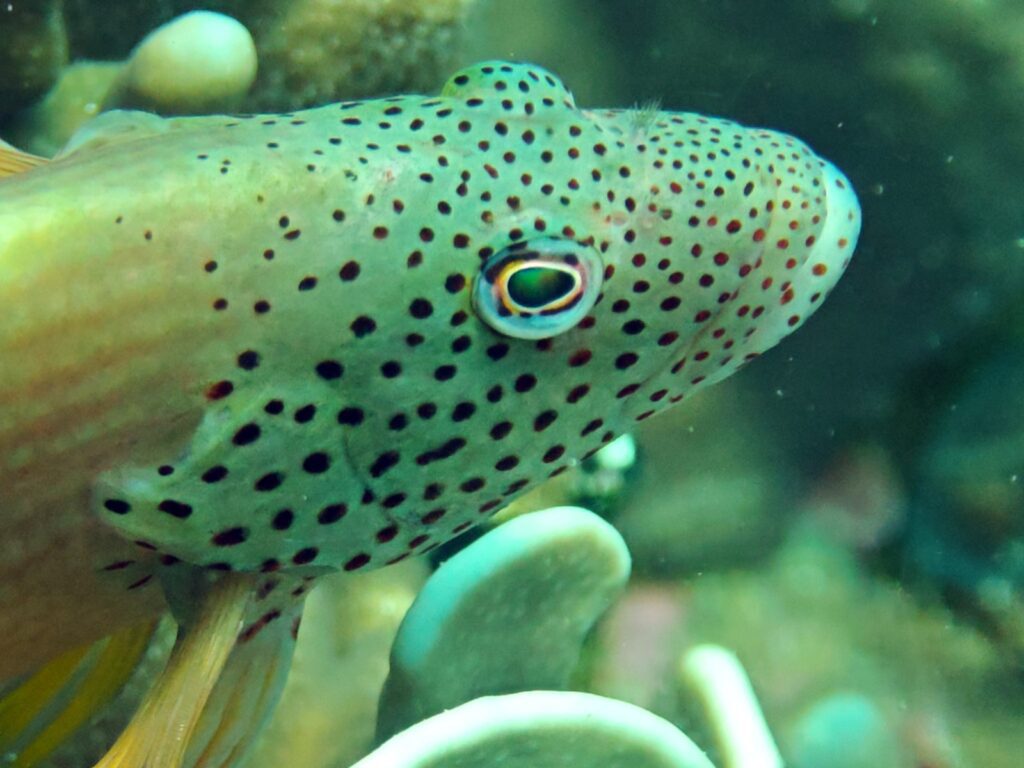
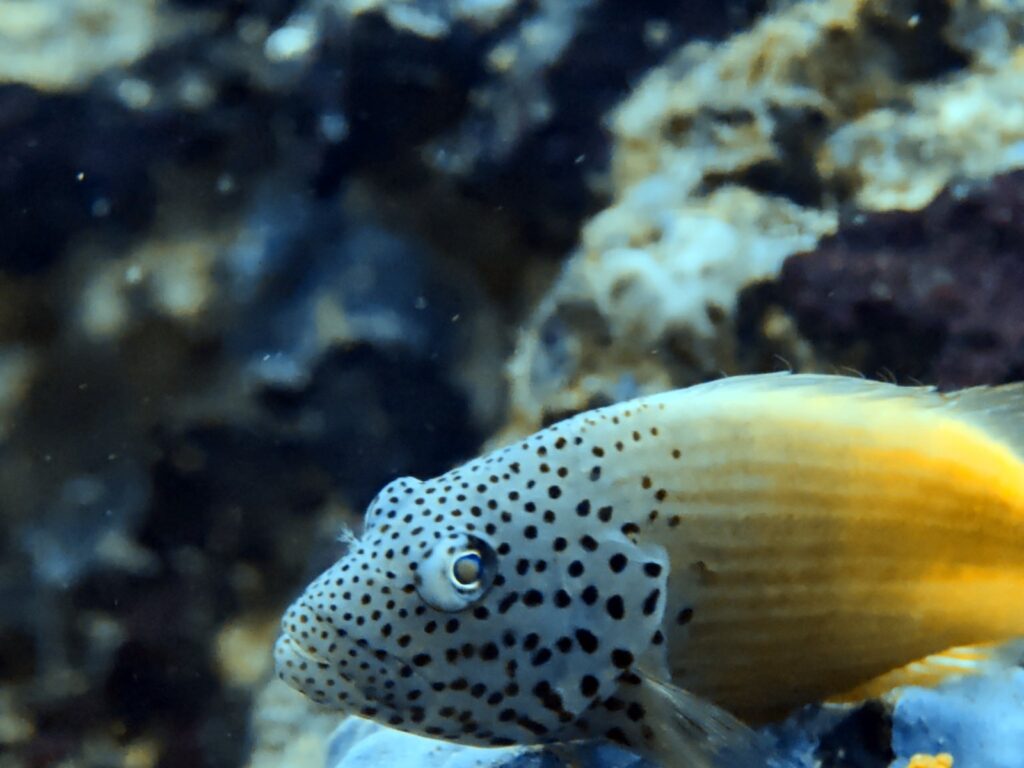
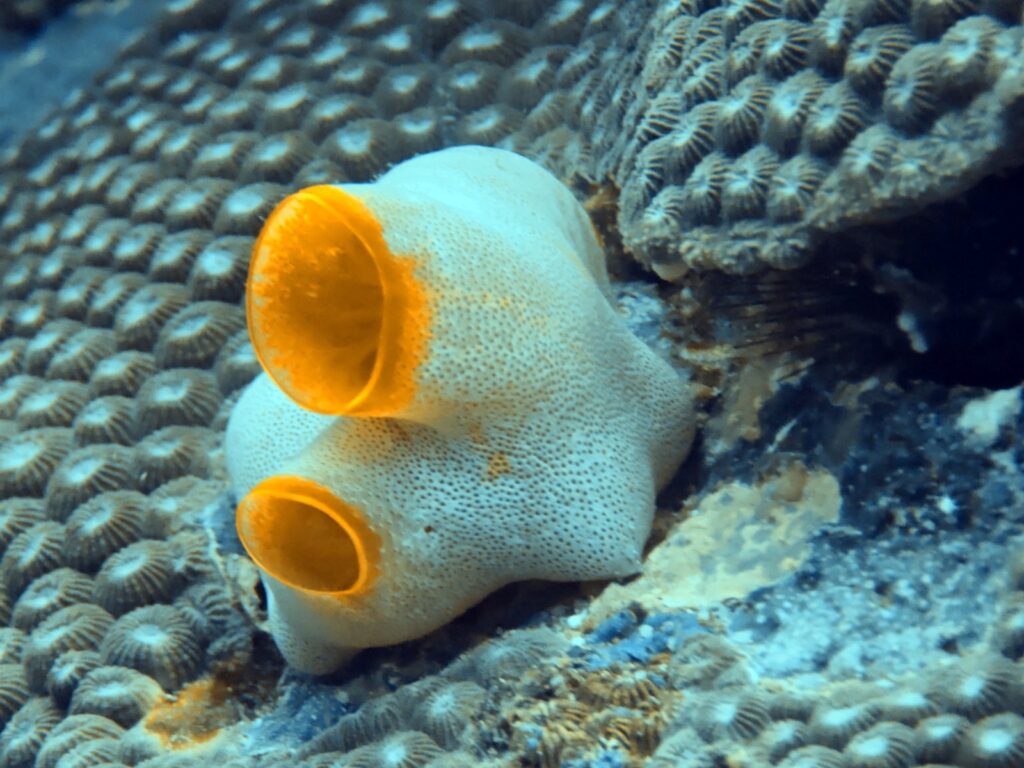
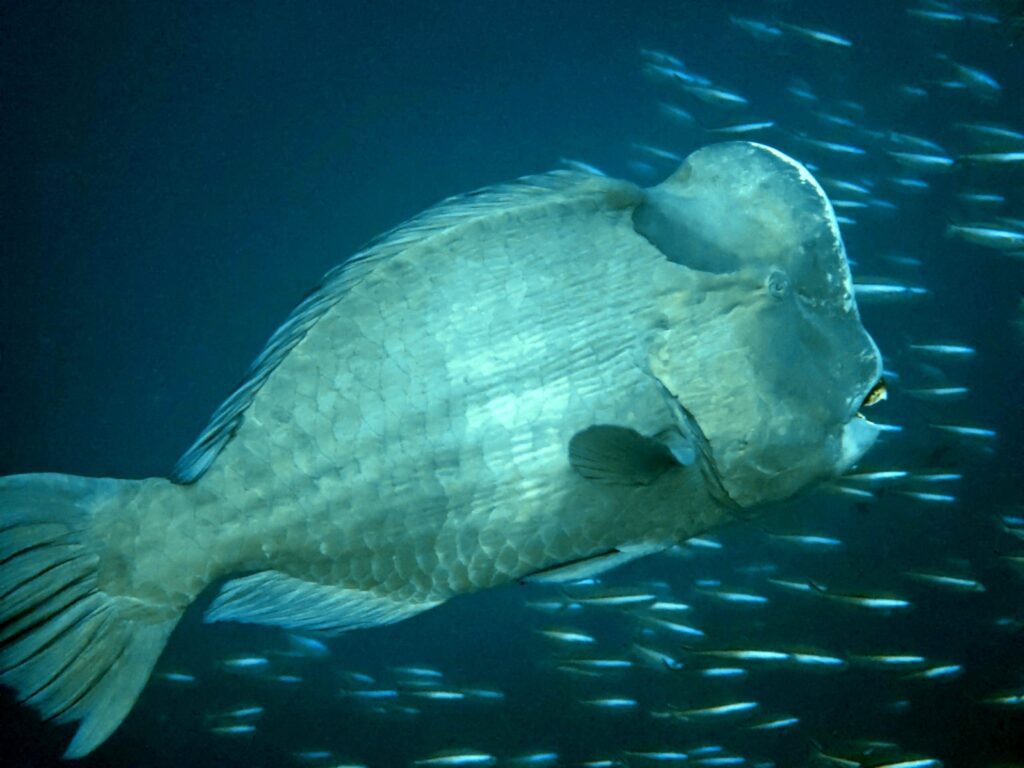
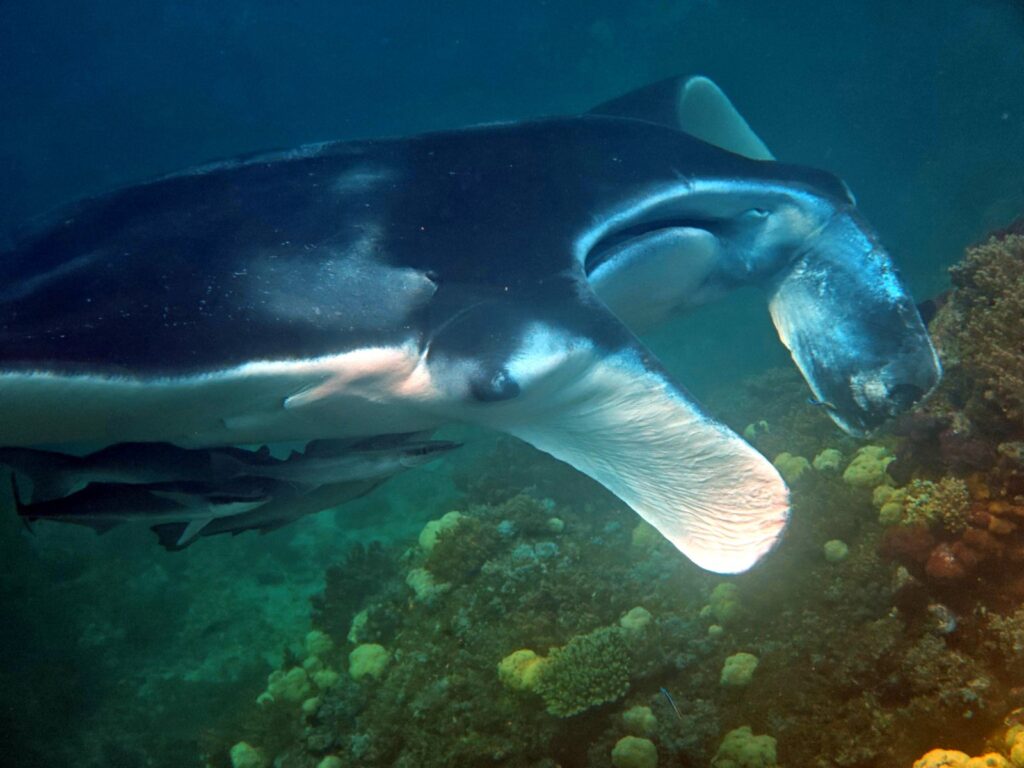
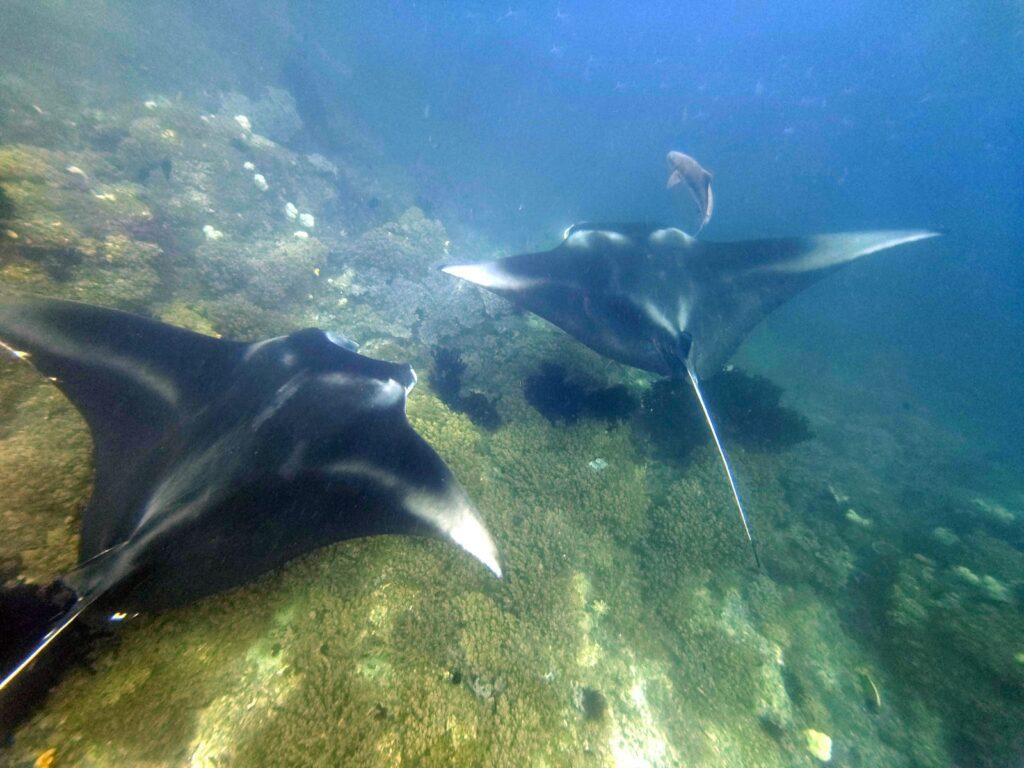
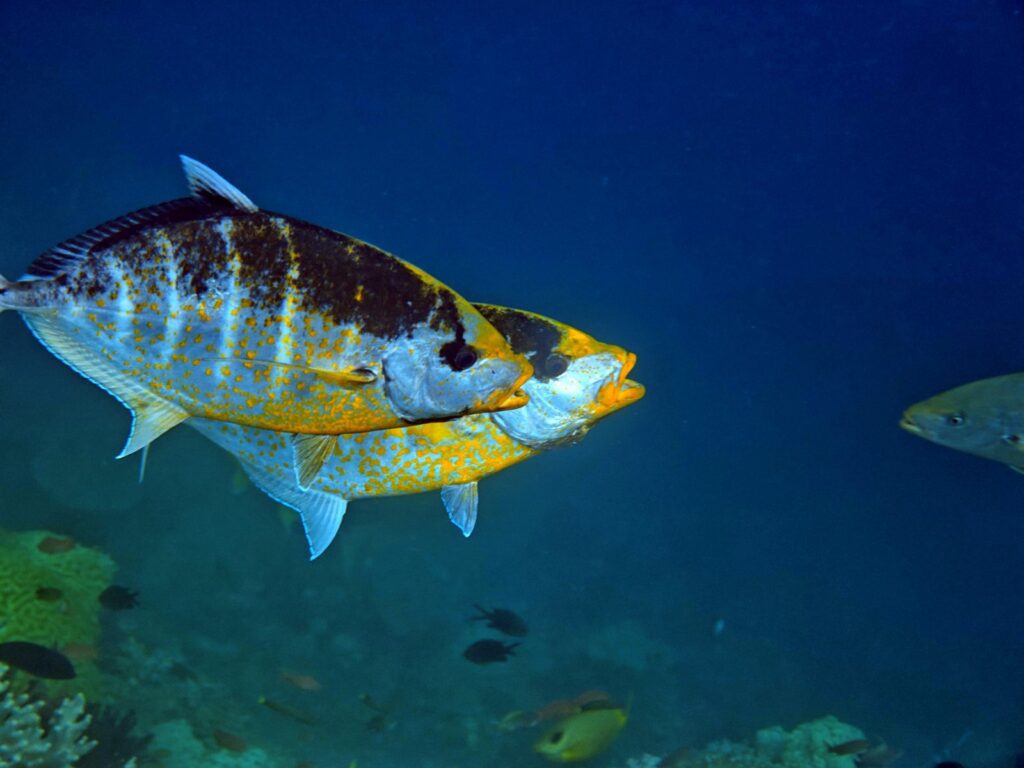
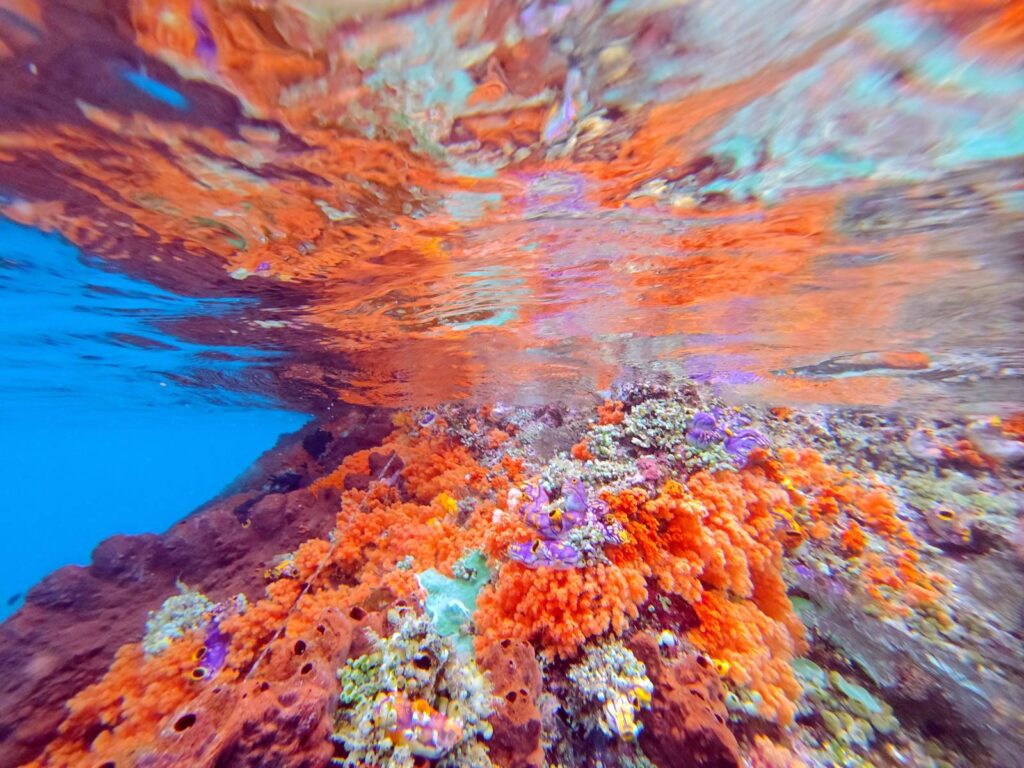
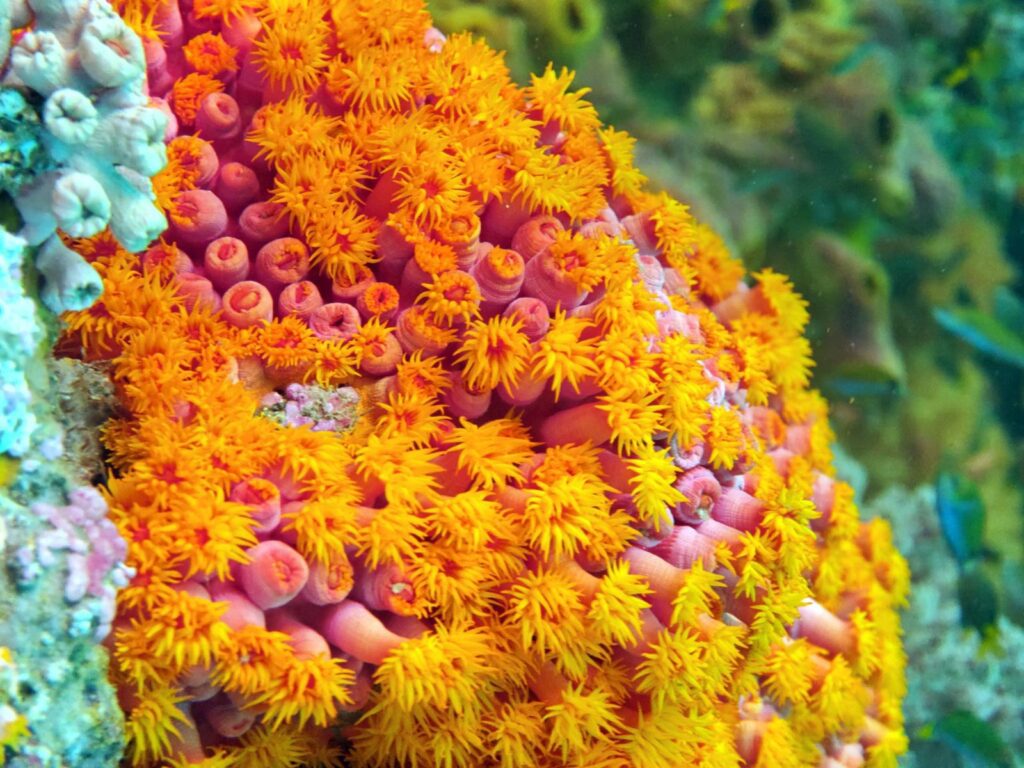
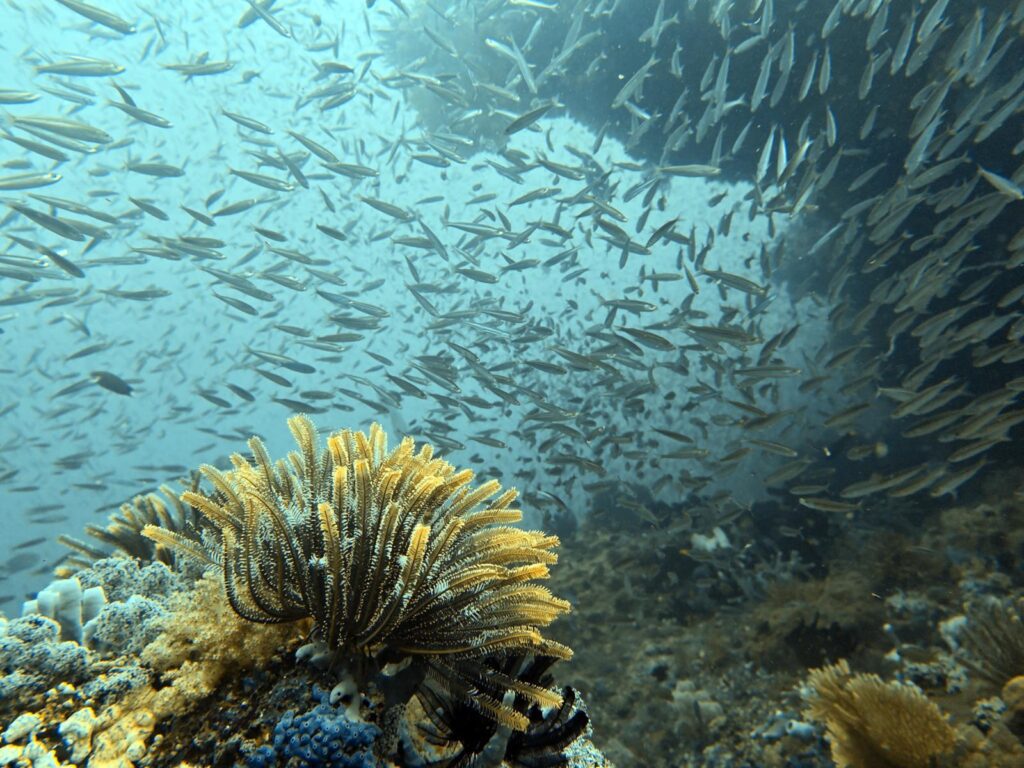
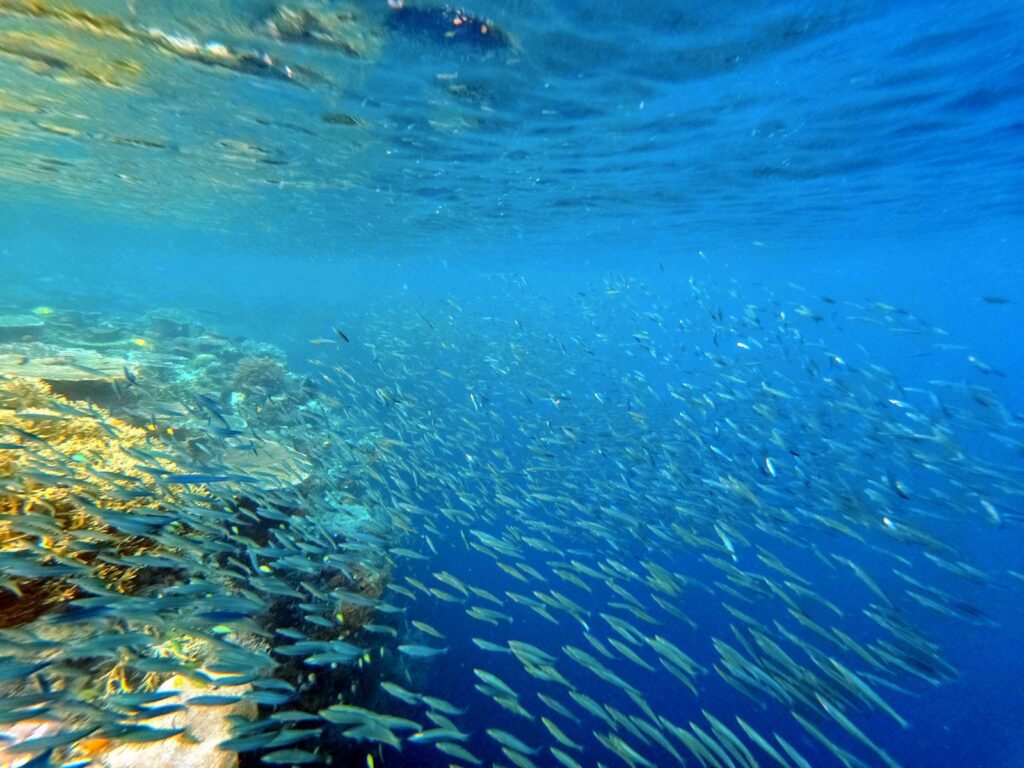
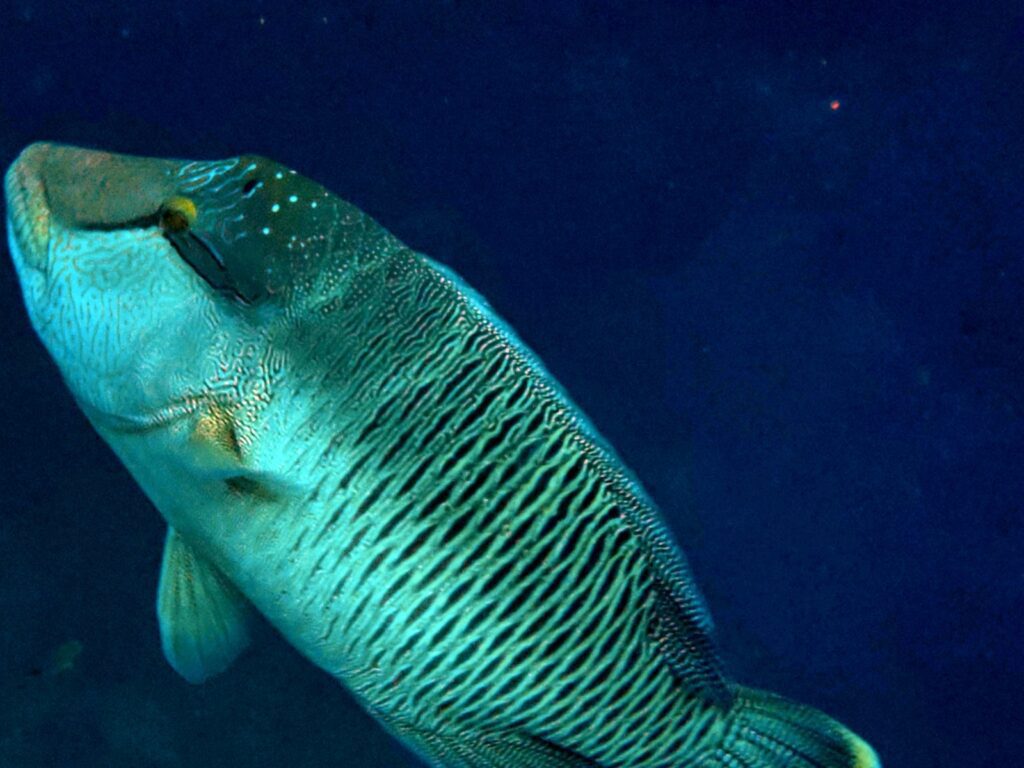
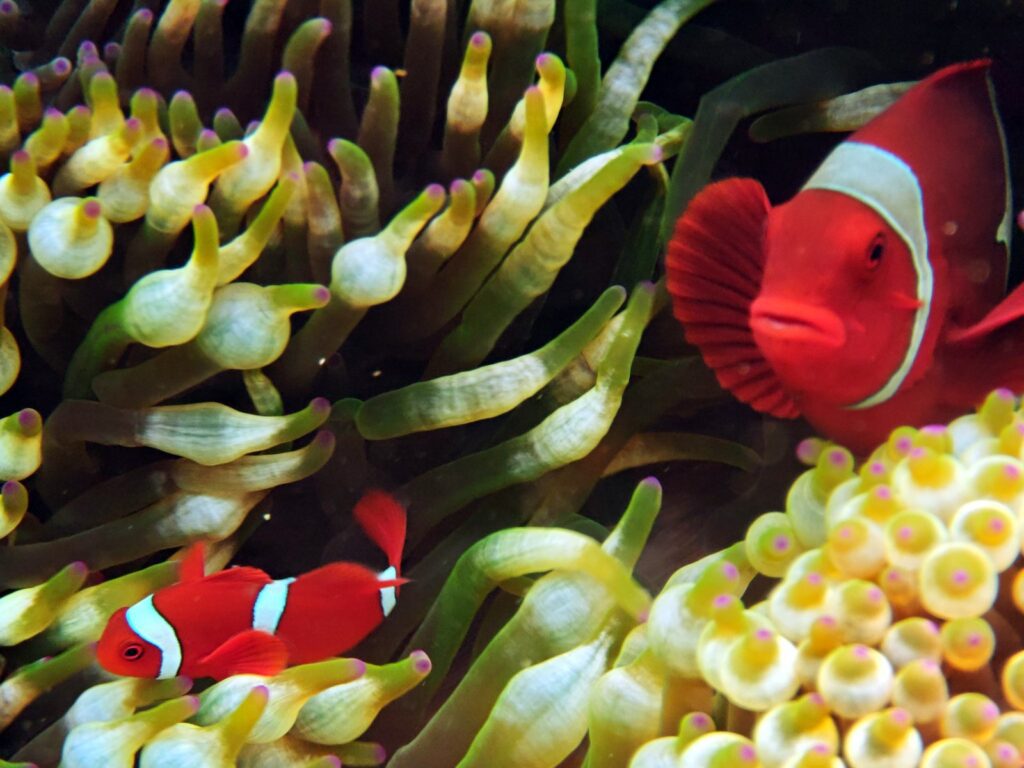
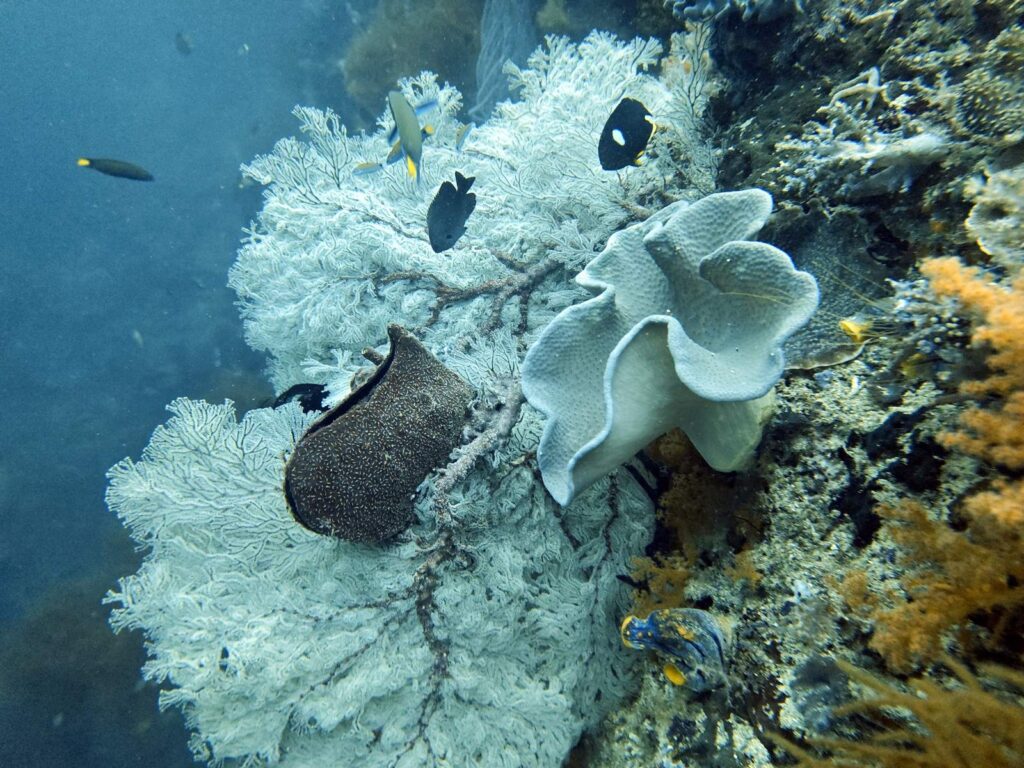
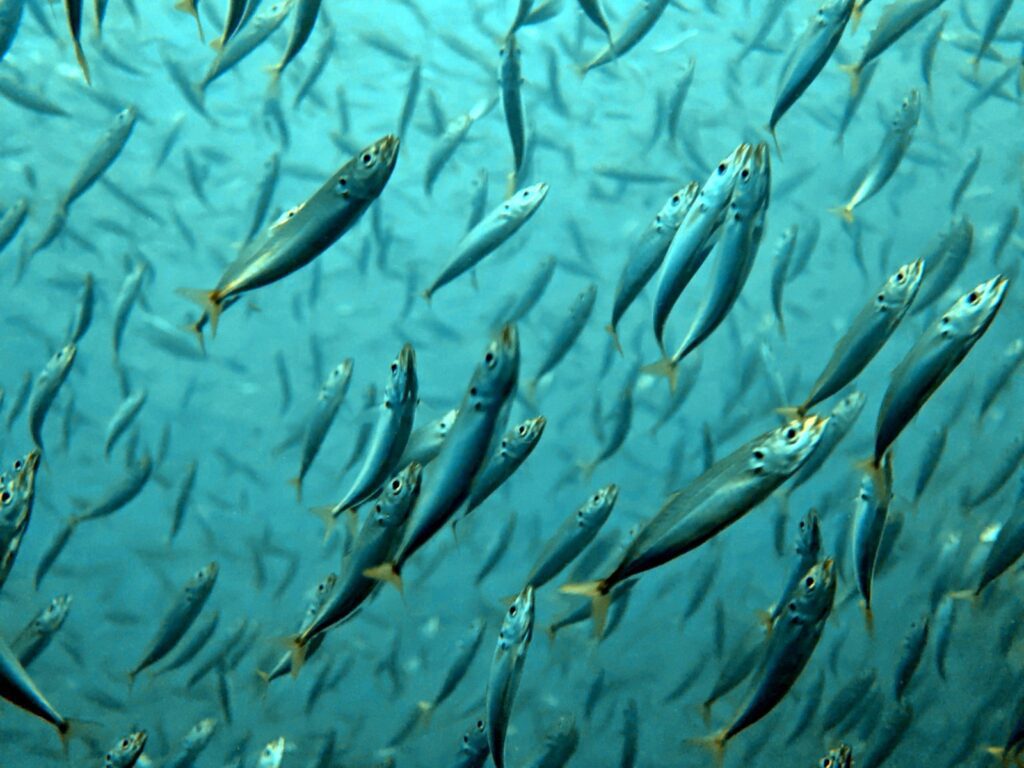
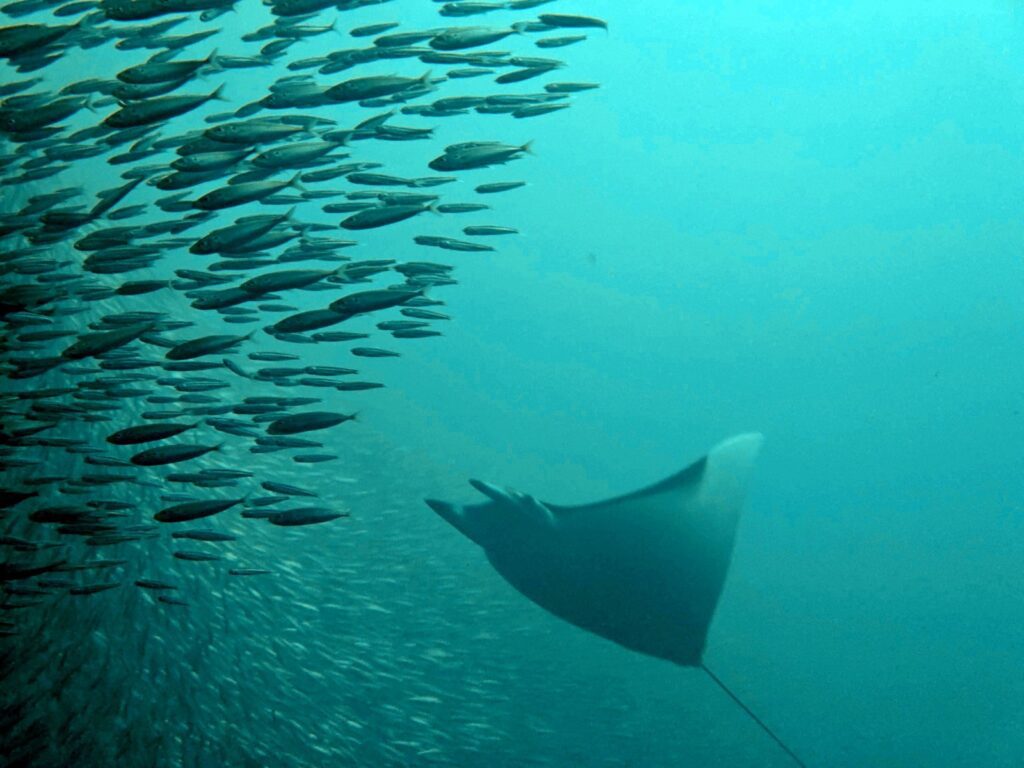
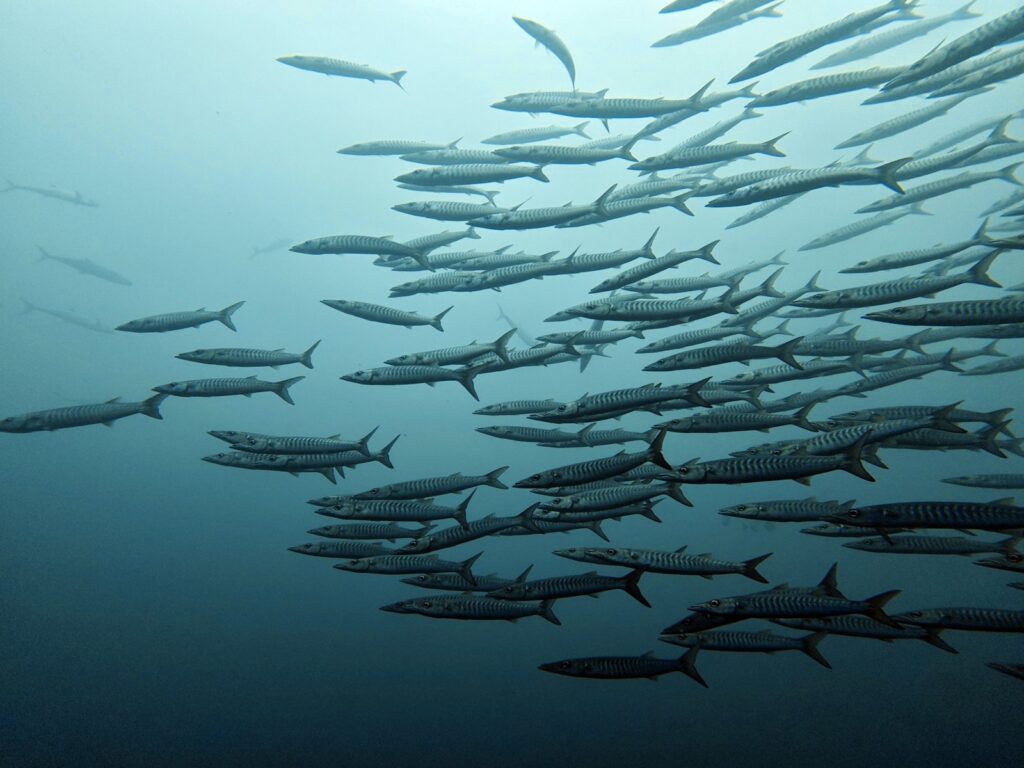
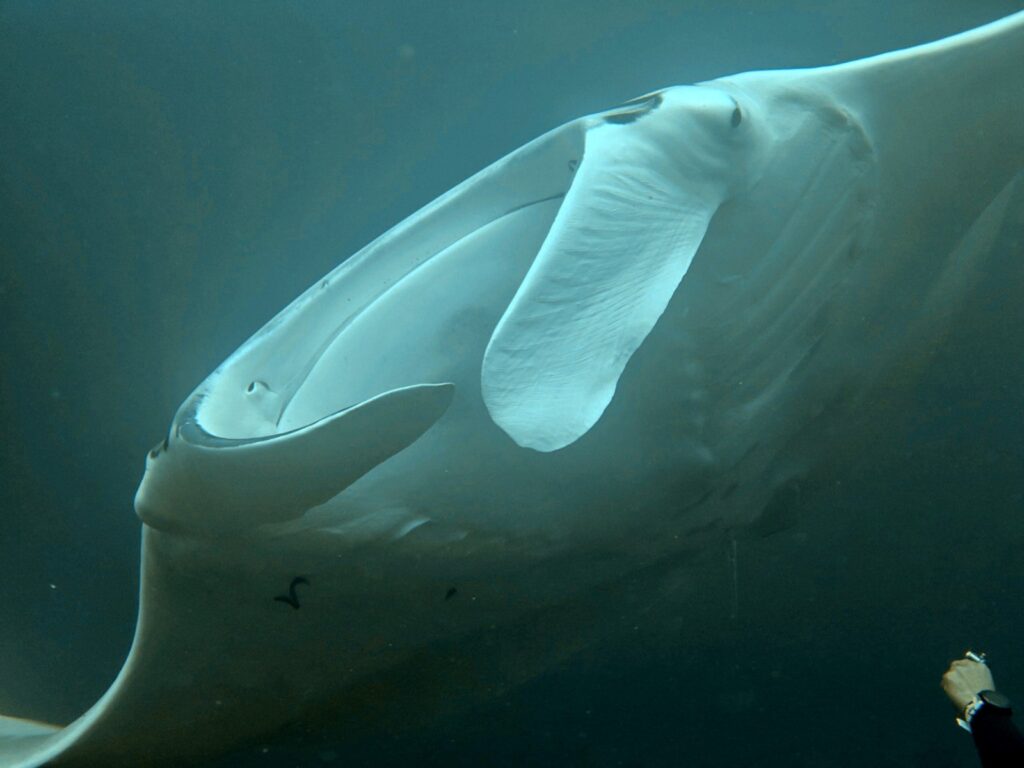
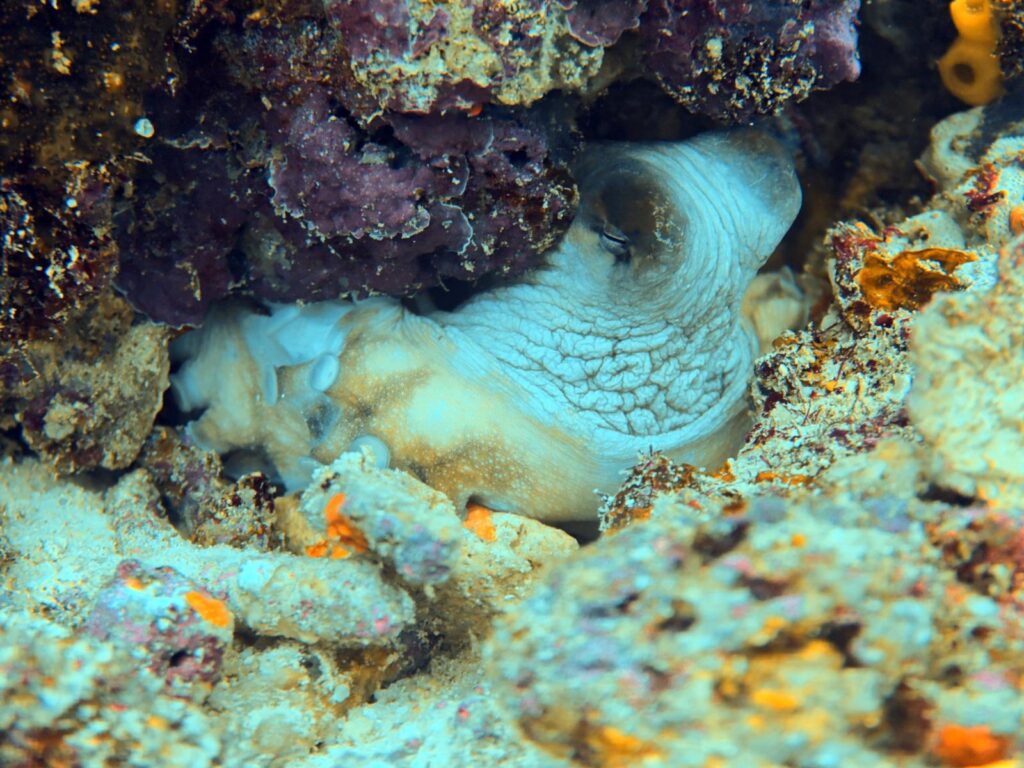
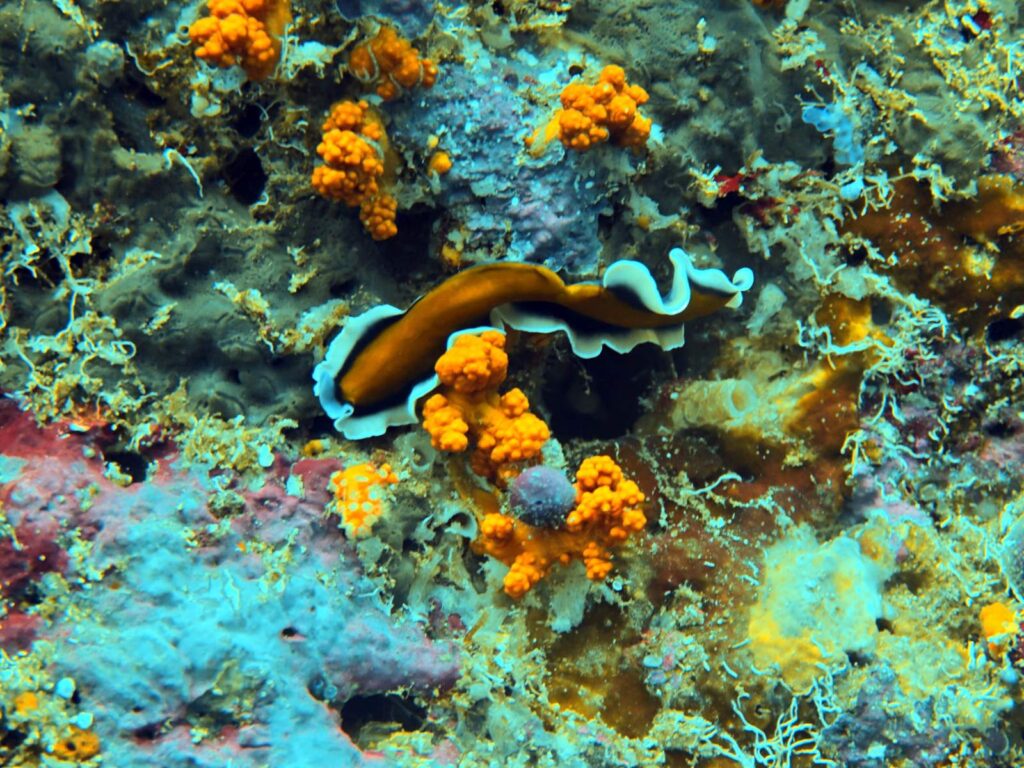
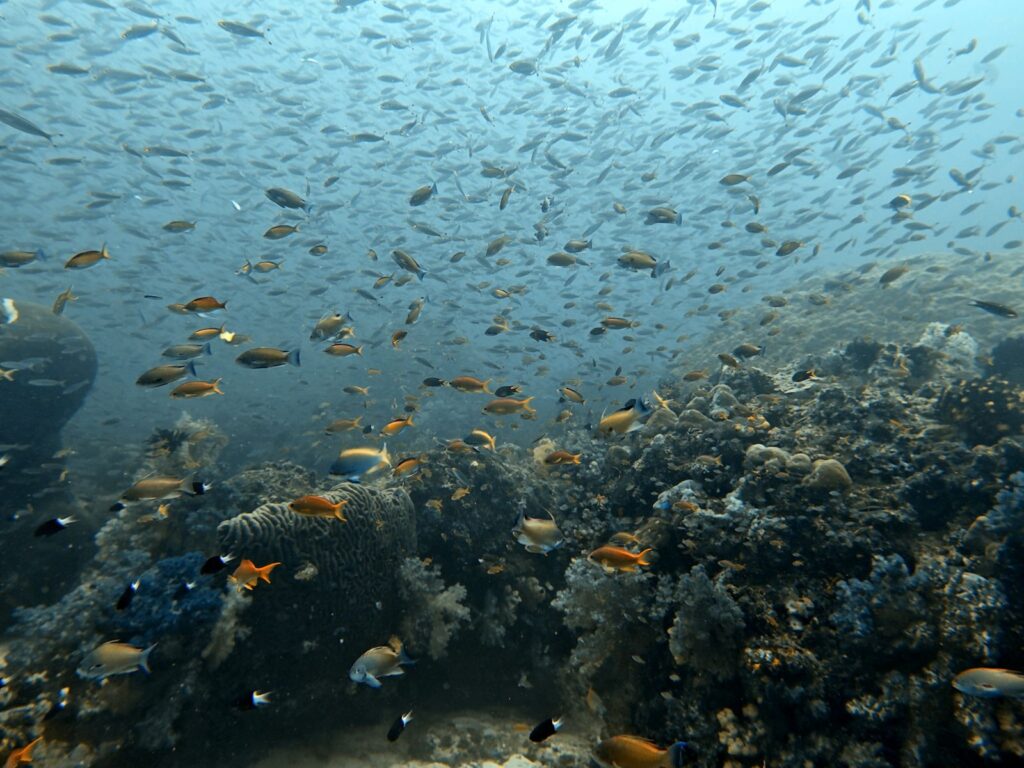
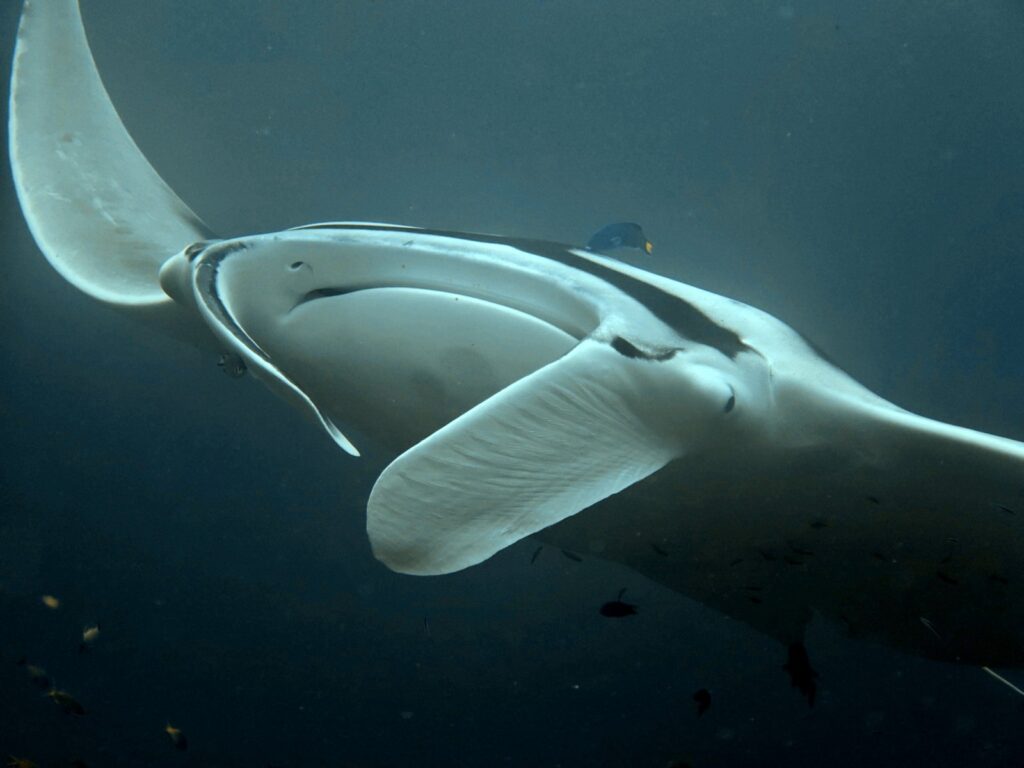
Every image below was taken on a Xiaomi 17 Ultra inside the DIVEVOLK SeaTouch 4 Max Platinum, without external lights. Click any photo to check current DIVEVOLK prices. For more photos from the same setup, see my Scubaspa Zen liveaboard review and my Raja Ampat snorkeling guide on Scubaspa Zen.


How much does the DIVEVOLK Platinum V2 cost, and where to buy it
DIVEVOLK list the SeaTouch 4 Max Platinum V2 at USD 499, as at October 2026, which comes to about USD 469 with my 6% reader link. A sensible first order is the housing, the dual-handle tray (USD 99) and the external shutter (USD 69): USD 667 at list price, or about USD 627 with the reader discount, plus a tray for your phone and a UWACAM subscription. The Platinum Deep Dive and Almighty kits (USD 1,618 to USD 2,018) bundle lights and lenses.
My reader link applies 6% off automatically across housings, lenses and trays at the official DIVEVOLK store; there is no code to type.
Check the current DIVEVOLK Platinum V2 price (6% reader discount applied)
DIVEVOLK discount code and coupon (2026)
Looking for a DIVEVOLK discount code or coupon? There is nothing to copy and paste: my DIVEVOLK reader link takes 6% off automatically at the official DIVEVOLK store, on housings, lenses and trays alike. On the Platinum V2 that brings the USD 499 list price down to about USD 469, and the housing, dual-handle tray and external shutter from USD 667 to about USD 627, as at October 2026.
UWACAM discount code
The UWACAM discount code is LUXURYTRAVEL. New yearly subscribers get 20% off their first year — about USD 40 instead of USD 49.99 — when they download the app for iPhone or Android and enter the code at checkout. It is the one code worth having with a DIVEVOLK: the housing gives you full access to third-party apps, so UWACAM’s live color correction works at depth.
Related reviews
Read my Xiaomi 17 Ultra underwater photography review for settings and sample images from the same housing, my DIVEVOLK vs SeaLife SportDiver comparison if you are deciding between the two, my scuba diving gear list for the rest of my dive bag, and my guide to the best Raja Ampat liveaboards for where most of these photos were taken.
Frequently asked questions
Is the DIVEVOLK SeaTouch 4 Max Platinum V2 worth it?
Yes, if you want one versatile underwater camera for reefs, fish and video and you already own a flagship phone. At USD 499 it costs a fraction of a mirrorless rig, and the touchscreen gives you every camera mode and app at depth. It is not worth it if your main interest is macro.
Which DIVEVOLK accessories are worth buying?
The external shutter (USD 69) and the dual-handle tray (USD 99), bought together, plus a UWACAM subscription. The red filter is optional once you use UWACAM, the +8 macro lens is useful but fiddly, and the 0.6x wide-angle lens is redundant on any phone with a built-in ultra-wide camera.
Does the DIVEVOLK external shutter work at depth?
It works well down to about 30 metres. Below that, water pressure stops the button from releasing and it stops firing. Use the touchscreen, rated to 40 m, for deeper shots.
Can I use any phone with the DIVEVOLK Platinum V2?
Any phone up to 180 × 82.5 × 11.2 mm fits via a model-specific tray, including iPhone 12 to 17, Samsung Galaxy, Xiaomi, Huawei, Vivo, Oppo and Pixel models. When you change phone you print or buy a new tray for about USD 15 and keep the housing.
Do I need the red filter if I use the UWACAM app?
No. UWACAM’s live colour correction does the same job in software, more subtly and with no light loss. I stopped using the red filter once I switched to the app.
Is the DIVEVOLK good for macro photography?
It is adequate for coral detail and larger critters, but not for pygmy seahorses or anything under two centimetres. The +8 macro lens is hard to use: it forces you very close to the subject, and autofocus hunts on tiny subjects; an Olympus TG-7 is better for serious macro.
Does the DIVEVOLK housing have a leak alarm?
No. The Platinum V2 uses an O-ring seal with a visual check only. In more than 30 dives on the original and further trips on the V2 I have never had a drop of water inside, but if you want a moisture alarm, the SeaLife SportDiver Ultra has one.
Should I buy the Platinum V1 or V2?
There is little difference. The V2 has a slightly easier touchscreen and a cold-shoe mount on top for a light or GoPro, but the dual-handle tray makes that mount redundant. If the original Platinum is on a big discount, buy the V1; at equal prices, buy the V2.
Is there a DIVEVOLK discount code or coupon?
There is no code to type. My reader link applies 6% off automatically across housings, lenses and trays at the official DIVEVOLK store.
Is there a UWACAM discount code?
Yes. The code LUXURYTRAVEL gives new UWACAM yearly subscribers 20% off their first year — about USD 40 instead of USD 49.99. Enter it at checkout in the iPhone or Android app.
Disclosure: this article contains affiliate links. If you book through them, I earn a small commission at no extra cost to you. Read my full disclosure policy.
Every review on This Is Luxury Travel is written first-hand. Read more about how I review, or visit my Work With Me page.